

Connect SSL.com to InfraNest to bring your SSL certificates into your certificate list, so they're tracked alongside the rest of your infrastructure.
Overview
- Imports your SSL.com certificates into InfraNest's certificate list.
- Keeps track of certificate details and expiry dates automatically.
- This is an import-only connection — you can't buy, renew or cancel certificates from InfraNest.
Before you start
You'll need your SSL.com account key and secret key. See Get your SSL.com API keys for the steps.
Connect SSL.com
- Go to Integrations and open SSL.com.
- Give the connection an Account label (Optional).
- Enter your account key and secret key.
- Leave Email me when this integration has problems ticked if you'd like email warnings.
- Select Connect.
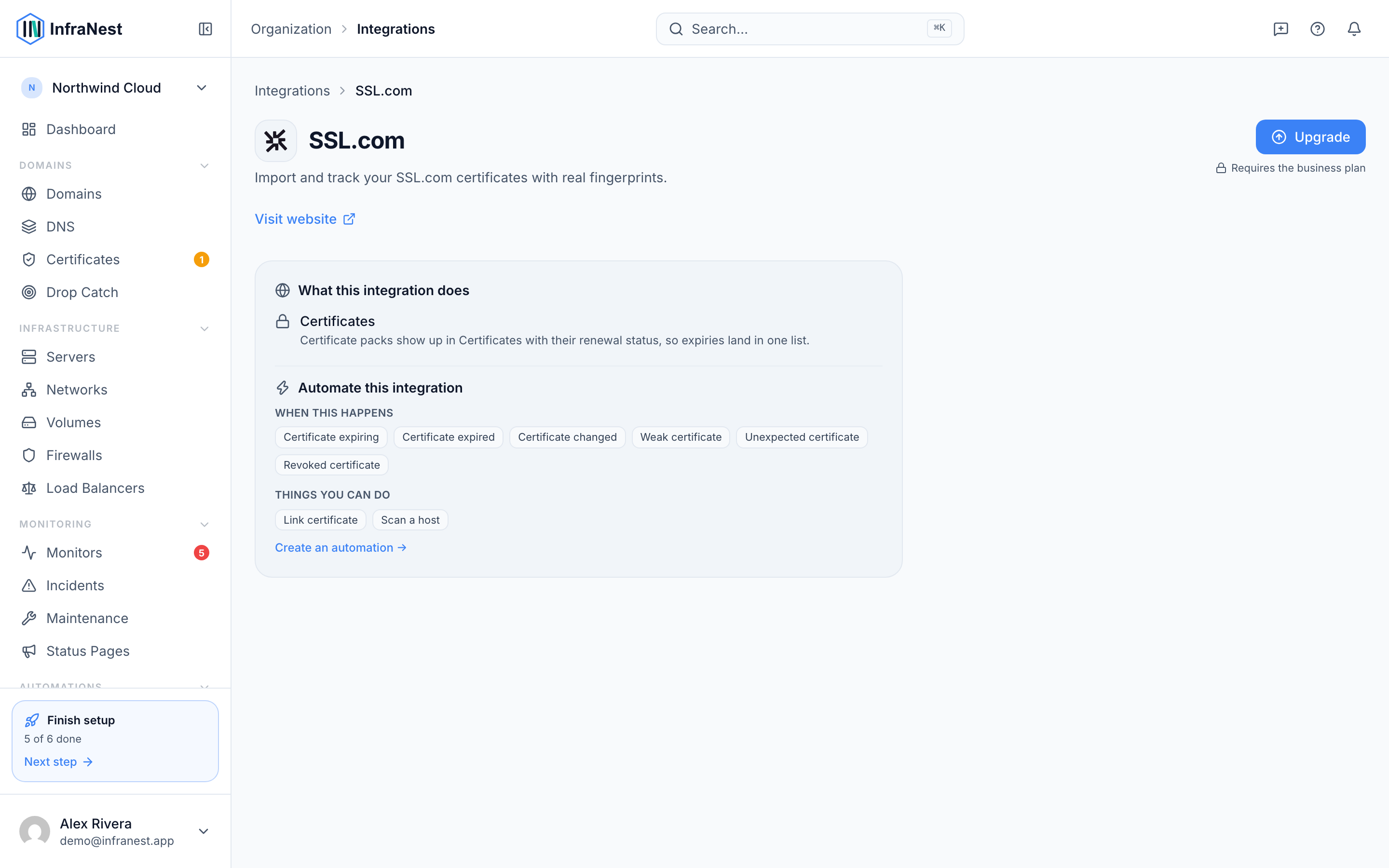
What you get once it's connected
- SSL certificates — your SSL.com certificates are imported into your certificate list, where InfraNest tracks their details and expiry.
NoteThis connection is import only — you can't buy, renew or cancel certificates from InfraNest. It's for tracking purposes only.
Tips
- Importing can take a moment, because InfraNest fetches each certificate one at a time. Give it a bit before assuming something's wrong.
Troubleshooting
- "Authentication failed" — double-check your account key and secret key in the SSL.com dashboard.
- A certificate is missing — make sure the order is complete in SSL.com; unfinished orders are skipped.
Was this article helpful?