

Connect your GoDaddy account to InfraNest so you can manage your domains and DNS records in one place.
Overview
- Manage DNS records for domains registered at GoDaddy.
- Manage Domains — registration, transfers, renewals, nameservers, contacts, transfer locks, WHOIS privacy, and auto-renew.
- GoDaddy tells InfraNest what details each domain ending needs, so forms stay accurate.
Before you start
You'll need a GoDaddy personal access token. See Create a GoDaddy access token for the steps, and for GoDaddy's API access limits, which can affect some features.
Connect GoDaddy
- Go to Integrations and open GoDaddy.
- Give the connection an Account label (Optional).
- Choose which features to use it for: DNS and Domains.
- Paste your Personal Access Token.
- Leave Email me when this integration has problems ticked if you'd like email warnings.
- Select Connect.
NoteOlder connections used a GoDaddy API key and secret instead of a token. GoDaddy stops accepting those at the end of 2026 — if yours still uses one, it keeps working and shows a reminder on its page. Paste a personal access token into the connection to switch over.
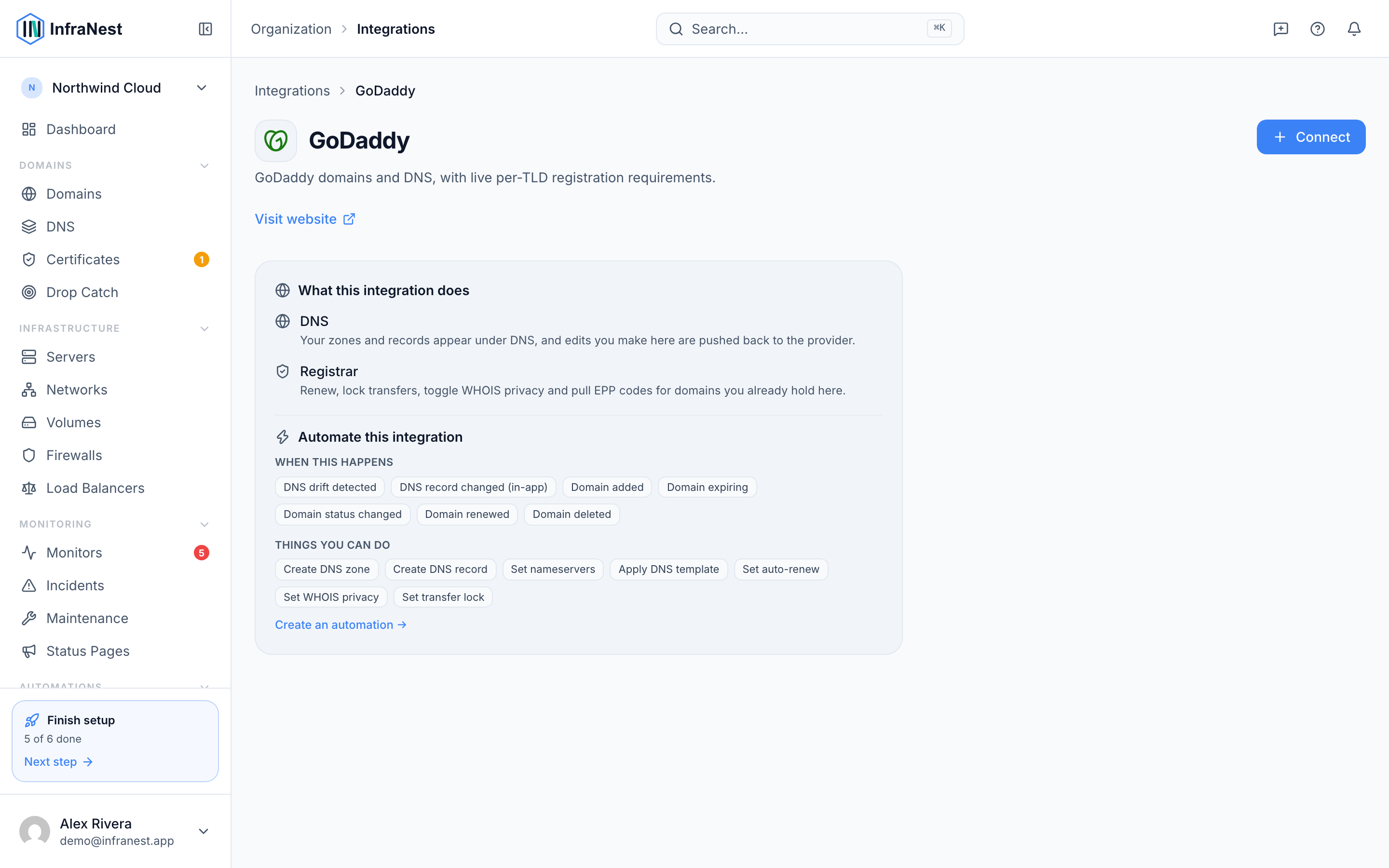
What you get once it's connected
- DNS — view and edit records for your GoDaddy domains.
- Domains — register, transfer in, renew, manage nameservers and contacts, lock transfers, and turn WHOIS privacy and auto-renew on or off.
Good to know
- DNS is available for domains registered at GoDaddy.
- There's no certificates feature for GoDaddy, and no DNSSEC through this connection.
Troubleshooting
- "Authentication failed" — make sure you created a Production key (not a test one) and that the key and secret are correct.
- Some features show as temporarily unavailable — GoDaddy limits API access to certain features depending on your account. InfraNest marks them as paused and retries automatically. See Create a GoDaddy API key for details.
Was this article helpful?