

Add a domain to your watch list to keep an eye on it as it heads toward expiry, so you know exactly when it might become available.
Overview
- Tracks a domain's status, estimated drop date, and quality scores automatically.
- Checks happen more often as the drop date approaches, so you always have up-to-date information.
- Lets you organize watched domains with tags and notes.
Add a watch
- Go to Drop Catch.
- In the Watch a domain field, type the full domain (for example, example.com) — InfraNest splits it into the name and ending for you.
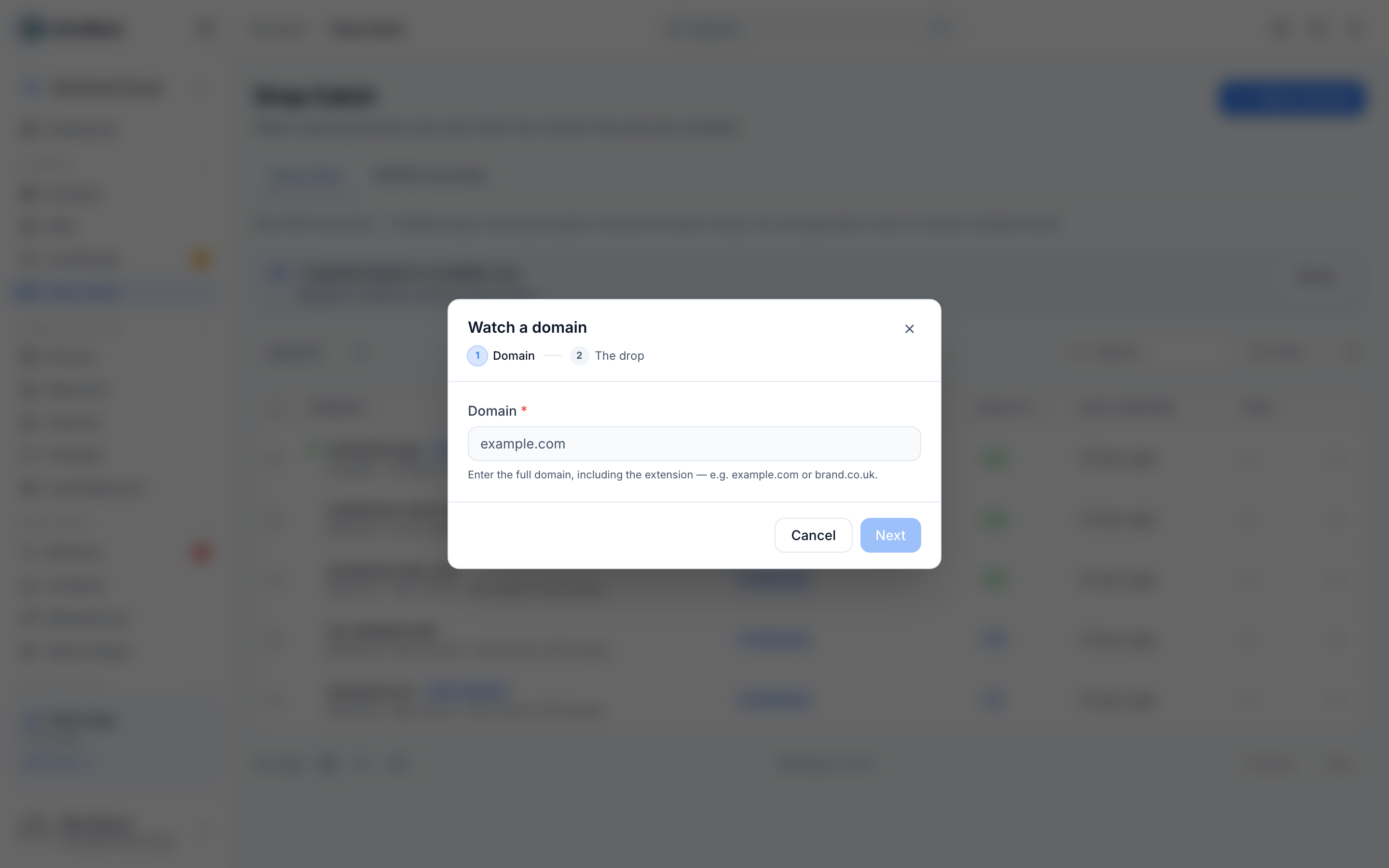
- Add optional Tags and Notes (optional) to organize your list.
- Select Start watching. The domain appears in Watching with its Status, estimated drop date, and scores.
NoteYou can adjust how many options you see when adding a watch — select + More options to reveal extra fields, or − Fewer options to hide them again.
Follow a watch
- Go to Drop Catch and select Open monitor on the watch you want to check.
- Review its lifecycle timeline (Active → expiring → grace → redemption → pending delete → available), along with Last checked and Next check.
- Check its Quality and Catchability scores to judge how easy the domain may be to catch.
- Open the WHOIS tab to see the current record and a timeline of past changes.
- Select Check to refresh everything immediately if you want the latest information right away.
Manage your watch list
- Go to Drop Catch to see All watches or filter down to just Watching.
- Use Search or Filter to find a specific domain.
- Select Remove from watch list on any domain you no longer want to track.
Tips
TipWant a domain registered the moment it becomes free? Set up Auto-register, Backorder, or Use a backorder service instead of just watching — see the guide on catching a dropping domain automatically.
Troubleshooting
- Couldn't add domain — double-check the domain name is typed correctly and try again.
- If a watch seems stuck, select Check to force a refresh rather than waiting for the Next check.
Was this article helpful?
Related articles
About drop-catchDrop-catch watches domains you'd like to own, follows each one as it heads toward expiry, tells you how good the name is and how likely it is to actually be…Catch a dropping domain automaticallyWhen you add a watch, choose how InfraNest should try to get the name when it drops — so you don't have to be at your keyboard at the moment it becomes free.Understand the drop-catch scoresEach watched domain gets two separate scores, so you can tell a good name apart from one that's actually being released.Give yourself the best chance of catching a nameHow hard a name is to catch depends entirely on how many other people want it. InfraNest is honest about this — each watch shows a catchability verdict — and…