

See at a glance which of your domains don't have a certificate yet, without having to compare lists by hand. This is for anyone managing domains in InfraNest who wants to make sure every site that needs HTTPS actually has it.
Overview
- InfraNest automatically compares your registered domains against the certificates it knows about.
- Any domain with no matching certificate is called out right on the Certificates list — no manual cross-checking needed.
- Coverage checking is wildcard-aware, so one certificate can cover many subdomains.
Find the domains with no certificate
- Go to Certificates.
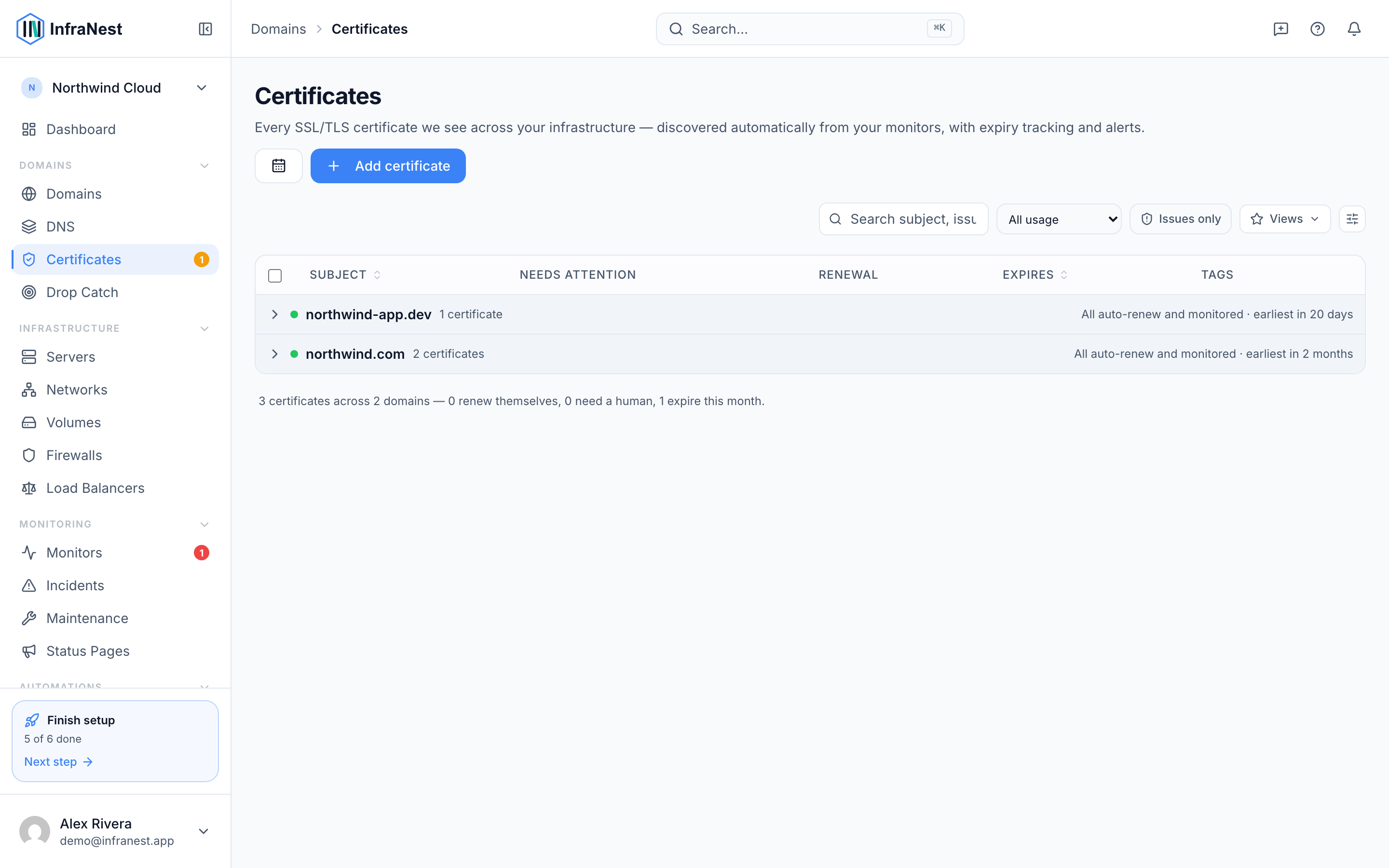
- If any registered domain has no certificate InfraNest knows about, a band at the top says so — for example, "3 domains without a certificate."
- Select it to narrow the list to just those domains.
Decide what to do about an uncovered domain
- Check whether the site is already live.
- If it is, use Scan an endpoint — this reads whatever certificate the site is currently serving and adds it to your inventory. Often a certificate already exists; InfraNest just hadn't seen it yet.
- If you already hold the certificate yourself, use Add certificate (or Import certificate) to bring it in directly.
- If the domain doesn't need a certificate at all — for example, it's only a redirect or isn't hosted — you can leave it as is. Not every domain requires one.
NoteCoverage is wildcard-aware: a certificate for
*.example.comcounts as covering matching subdomains too.
TipA domain counts as covered no matter where its certificate came from — imported, discovered by scan, connected via a provider, or seen by a monitor.
Tips
- Coverage only tells you whether a certificate exists, not whether it's healthy. For certificates that exist but are close to expiring or have other problems, check Certificate health instead.
Was this article helpful?
Related articles
About SSL certificatesInfraNest keeps a single inventory of all your SSL/TLS certificates — wherever they live and whoever issued them — tracks when they expire, checks they're…Add a certificateMost certificates appear on their own from your monitors and connected providers, but you can also add one directly by scanning a server or pasting it in.Certificate healthInfraNest grades every certificate for how healthy and correctly-installed it is, so you can catch problems before they cause an outage.Where certificates come fromInfraNest finds your certificates in several ways and combines them all into one deduplicated inventory. Each certificate is labelled with where it was found.