

Your contact book stores the registrant, admin and technical contacts used for your domains, so you can enter them once and reuse them everywhere instead of retyping details for each domain.
Overview
- Keep a shared list of contacts for your organisation, with all the details registrars require.
- Assign any contact as the registrant, admin or technical contact on a domain.
- InfraNest keeps registrar-specific formatting (like phone numbers) consistent automatically.
Add a contact
- Go to Contacts.
- Select Add contact (or Add your first contact if this is your first one).
- Fill in the details registrars need: Name, Company, VAT number and company registration number (Chamber of Commerce / KvK) where relevant, plus Address, Street, City, State / Province, ZIP, Country, Phone, and email.
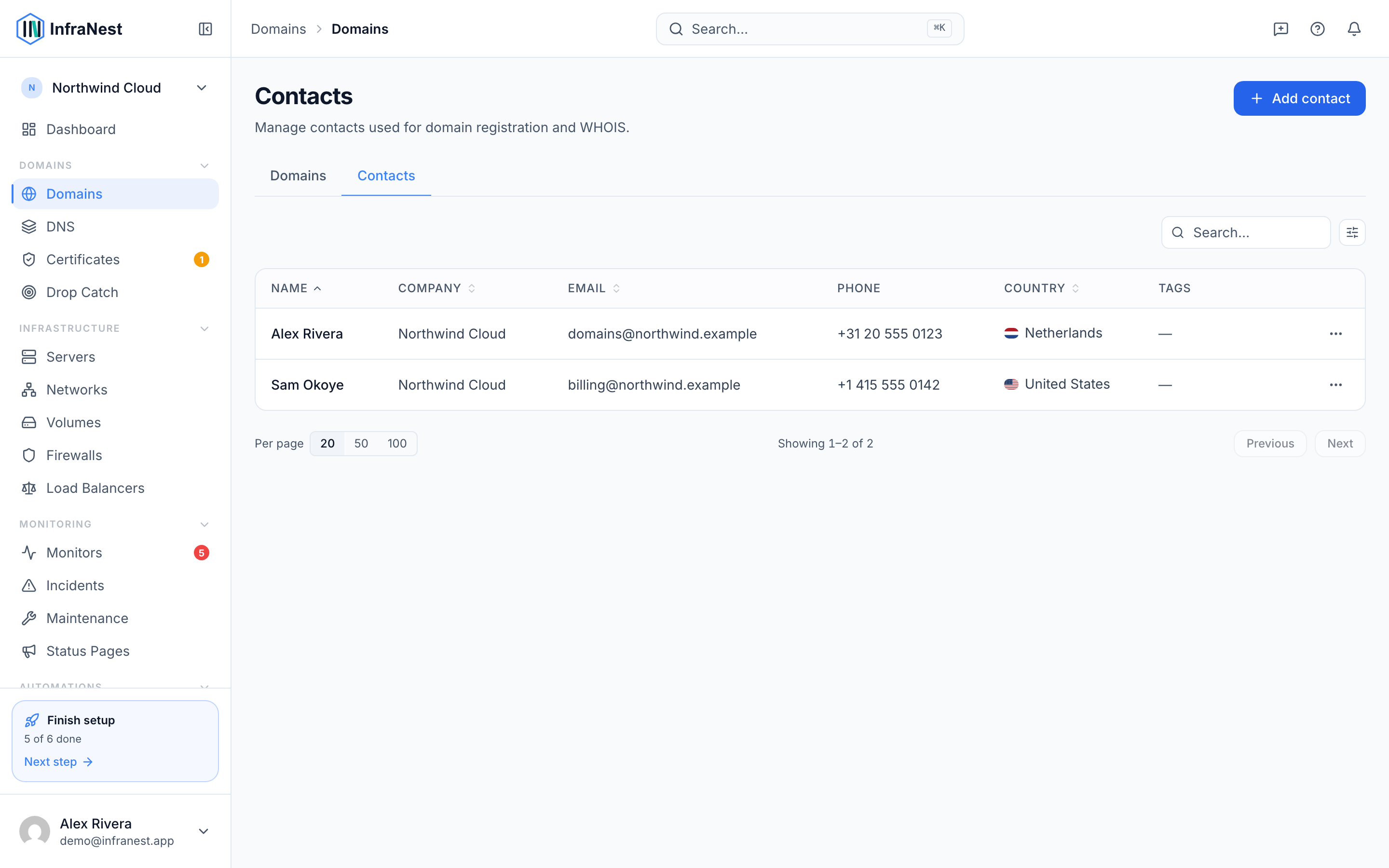
- Select Save.
The contact is now available whenever you register, transfer or update a domain.
Use a contact on a domain
- Go to Domains and open the domain you want to update.
- Set its registrant, admin and technical contacts by choosing from your contact book.
- Select Save changes.
Where the registrar supports it, the change is pushed to the registrar automatically; otherwise InfraNest keeps the update on file for you.
Manage existing contacts
- Go to Contacts.
- To update a contact's details, select Edit contact, make your changes, and select Save changes.
- To remove a contact you no longer need, select Delete contact and confirm.
NoteContacts are shared across your organisation, so anyone on your team can reuse them when managing domains.
TipEnter a contact's details once and reuse it across all your domains — you won't need to re-type the same information for every registration or transfer.
Troubleshooting
- A field won't save: Check that required fields meet the format InfraNest expects (for example, names need At least 2 characters and emails must be valid — you'll see Invalid email address if not).
- Changes aren't reflected at the registrar: Some registrars don't support pushing contact updates automatically. In that case, InfraNest still keeps the correct details on file for future actions.
Was this article helpful?