

Renewing keeps your domain from lapsing, and this article covers both renewing it manually and setting it up to renew itself automatically. It's for anyone managing domains in InfraNest who wants to avoid losing a name to an expired registration.
Overview
- Renew a domain immediately for one or more years.
- Turn on Auto-renew so the registrar renews it for you at expiry.
- Understand why there's no "cancel" button, and what to do instead.
- See how InfraNest reminds you before a domain expires.
Renew now
- Open the domain from your Domains list.
- In Quick Actions, choose Renew.
- Pick a Renewal period and select Confirm renewal. The renewal request is sent to the registrar, and the new expiry date appears once it's done.
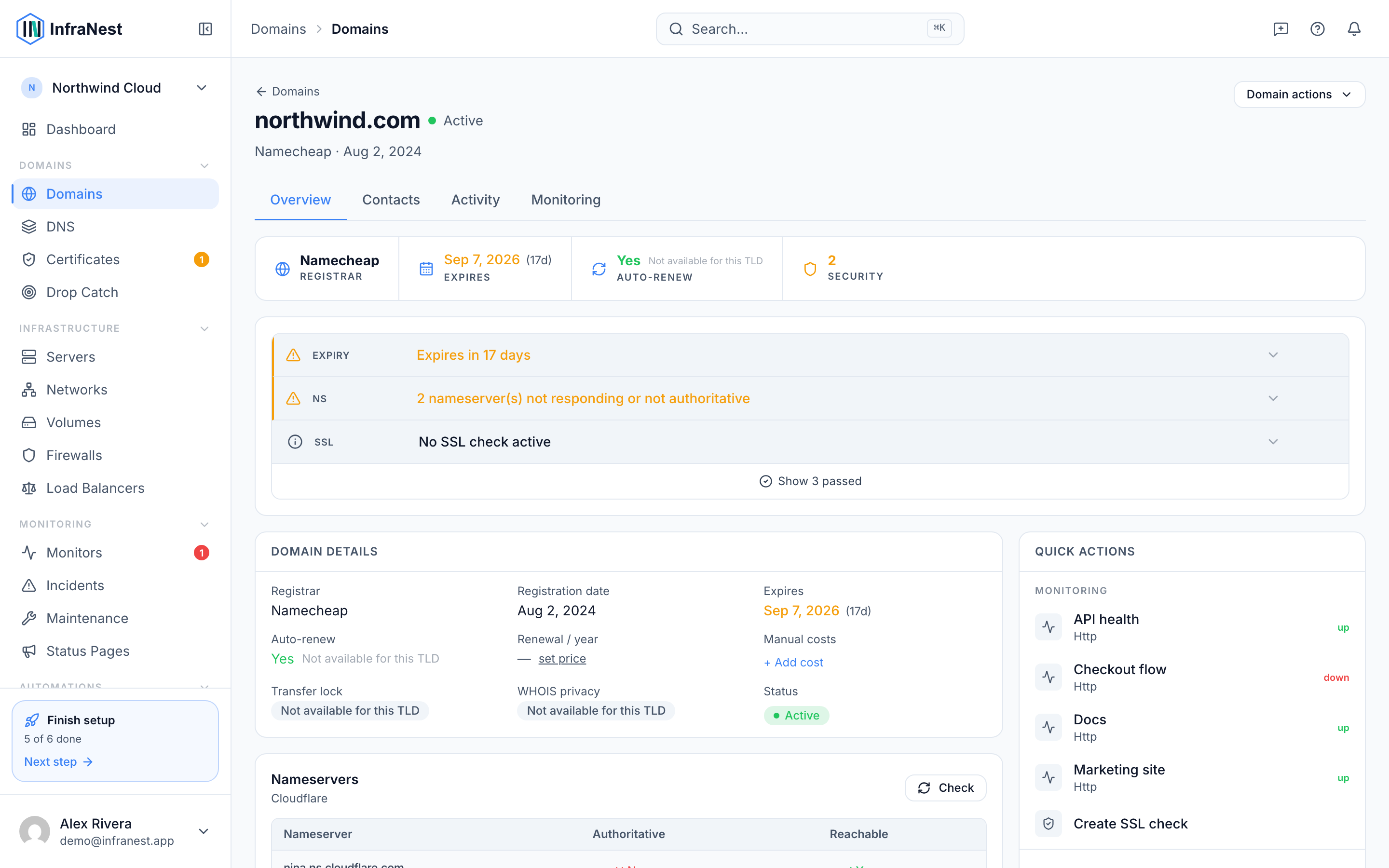
Turn on auto-renew
- Open the domain's page.
- Turn on Auto-renew so the registrar renews it automatically at expiry.
NoteSome registrars can only turn auto-renew off through their API, not back on. When that's the case, InfraNest tells you to re-enable it in the registrar's own control panel instead of showing a button that would fail.
Cancel a domain (stop paying for it)
There is no "cancel" button, because cancelling isn't something InfraNest can do on your behalf — a domain ends when nobody renews it.
- Open the domain's page.
- Turn off Auto-renew.
- Let the domain reach its expiry date. The registrar stops billing you at that point.
If you'd rather move the name to another provider instead of losing it, transfer it away.
Once the domain is over, you can archive it to tidy it out of your list. Archiving on its own cancels nothing — it only changes what InfraNest shows you.
Expiry reminders
InfraNest tracks every domain's expiry date and marks domains as Expiring soon or Expired. You're reminded through your alert destinations (email, Slack, Telegram and more) under Alert Channels, so nothing slips through.
TipTurning on Auto-renew is the easiest way to make sure you never see a domain marked Expired.
Was this article helpful?