

Bring your teammates into InfraNest and control exactly what they can access.
Overview
- Invite people to your organisation by email so they can help manage your infrastructure.
- Each person is given a level of access appropriate to their role.
- You can update or remove access at any time from the Team area.
Invite a member
- Go to Team.
- Select Add to invite a teammate. Enter their email address and choose the role they'll have.
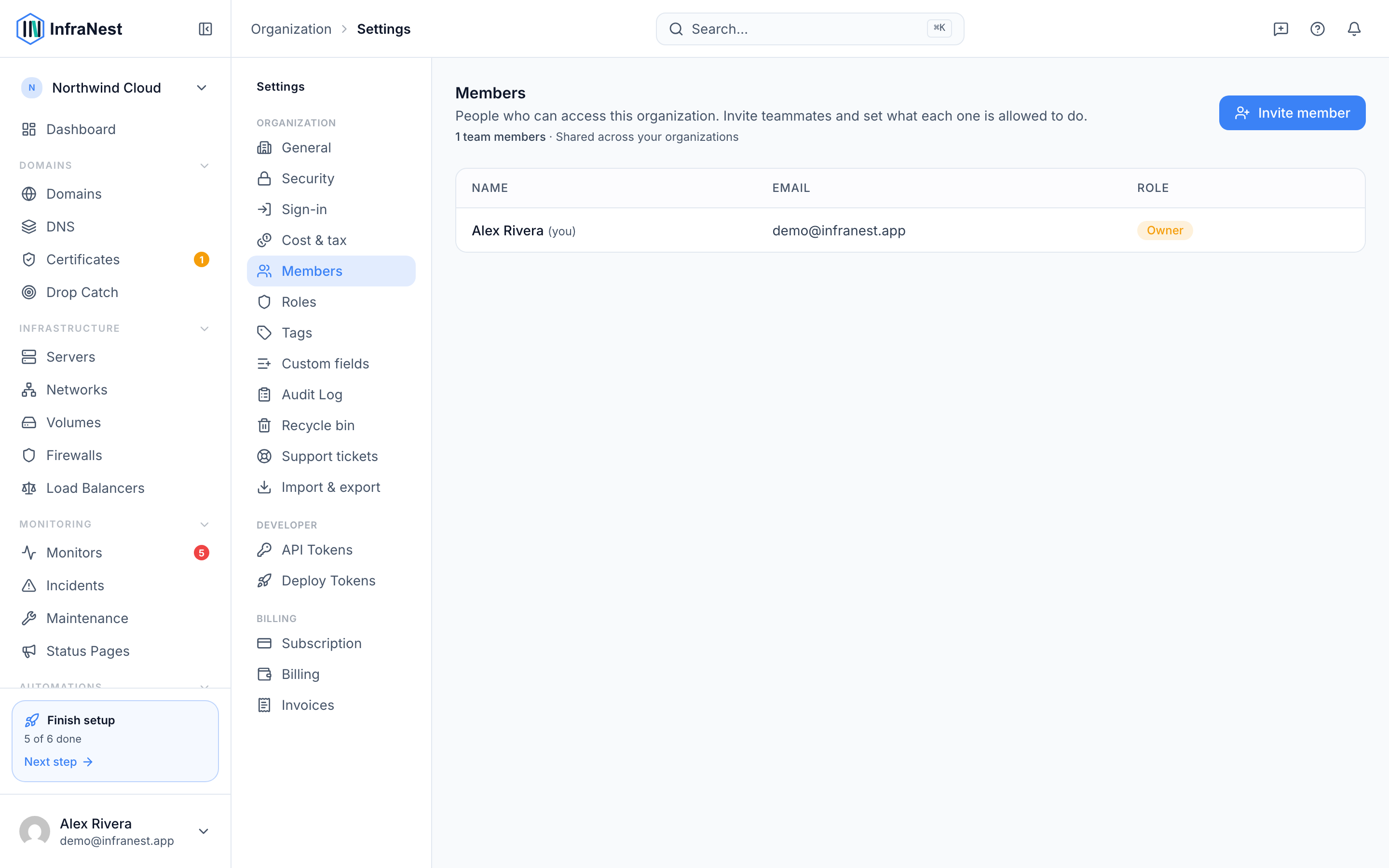
- Select Continue (or the equivalent confirm action) to send the invitation.
- Your teammate receives an invitation by email. Once they accept it, they'll appear in your Team list.
NoteThe role you choose determines what a teammate can see and do inside InfraNest, so pick it carefully before sending the invite.
Manage members
- Go to Team.
- Find the teammate you want to update.
- Select Edit to change their role, or Remove to take away their access entirely.
- Select Save changes to apply your update.
TipIf you're unsure which role to assign, check what each role can access before inviting someone — it's easier to set the right level upfront than to fix it later.
Was this article helpful?