

Share a dashboard you've built with your team so everyone sees the same overview, whether that's the whole organisation or just a few people.
Overview
- Sharing lets your team see the exact same dashboard you've set up, instead of everyone building their own.
- You choose who sees it: everyone in your organisation, or specific people.
- You can also control whether the people you share with can only look, or make changes too.
Share a dashboard with your team
- Open the dashboard you want to share.
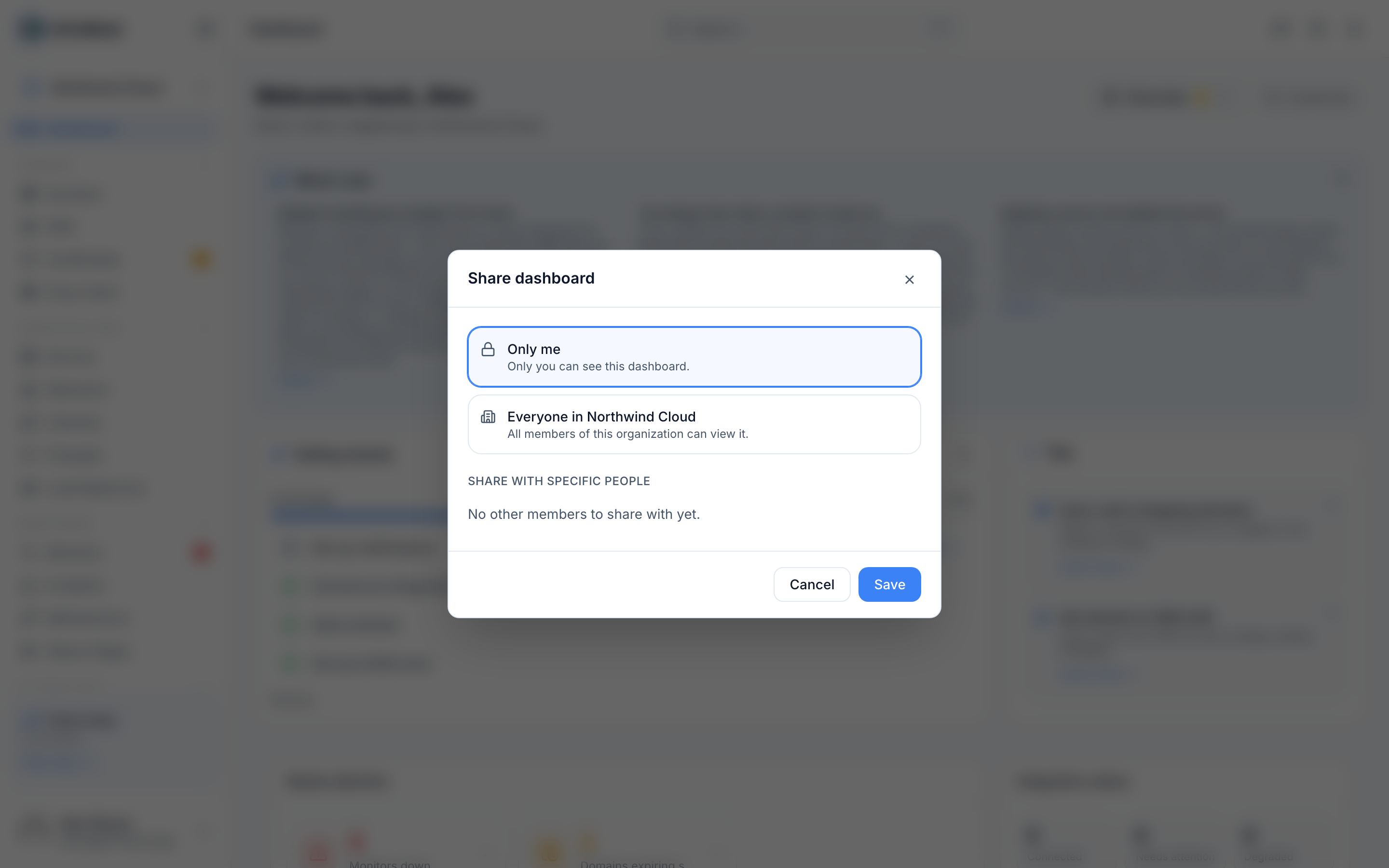
- Open Share dashboard.
- Choose who can see it:
- Everyone in {org} — makes the dashboard visible to your whole organisation.
- Share with specific people — pick the people or roles you want, and set their access to Can view or Can edit for each.
- Select Save changes. You'll see a Sharing updated confirmation, and the dashboard will now appear for the people you shared it with.
Who can do what
- Only the dashboard owner can use Rename dashboard, Delete dashboard, or change who it's shared with.
- People with Can edit access can add, remove, or rearrange widgets and change the layout.
- Anyone who can see a dashboard can select Duplicate to make their own copy.
TipDuplicating a shared dashboard gives you your own private copy you can customize freely, without affecting the original.
Was this article helpful?
Related articles
Create and customize a dashboardBuild a dashboard that shows exactly what you care about — pick your widgets, arrange them, and start from a preset if you'd like a head start.About dashboardsYour dashboard is the first thing you see when you sign in — a customisable overview of your domains, servers, monitors and more.