

Keep your visitors in the loop by letting them subscribe to updates and by posting announcements on your status page. This is for anyone managing a status page who wants to communicate proactively with their audience.
Overview
- Visitors can subscribe by email directly from your public status page.
- When Subscriber email notifications is turned on, subscribers are automatically emailed when there's an incident or an update.
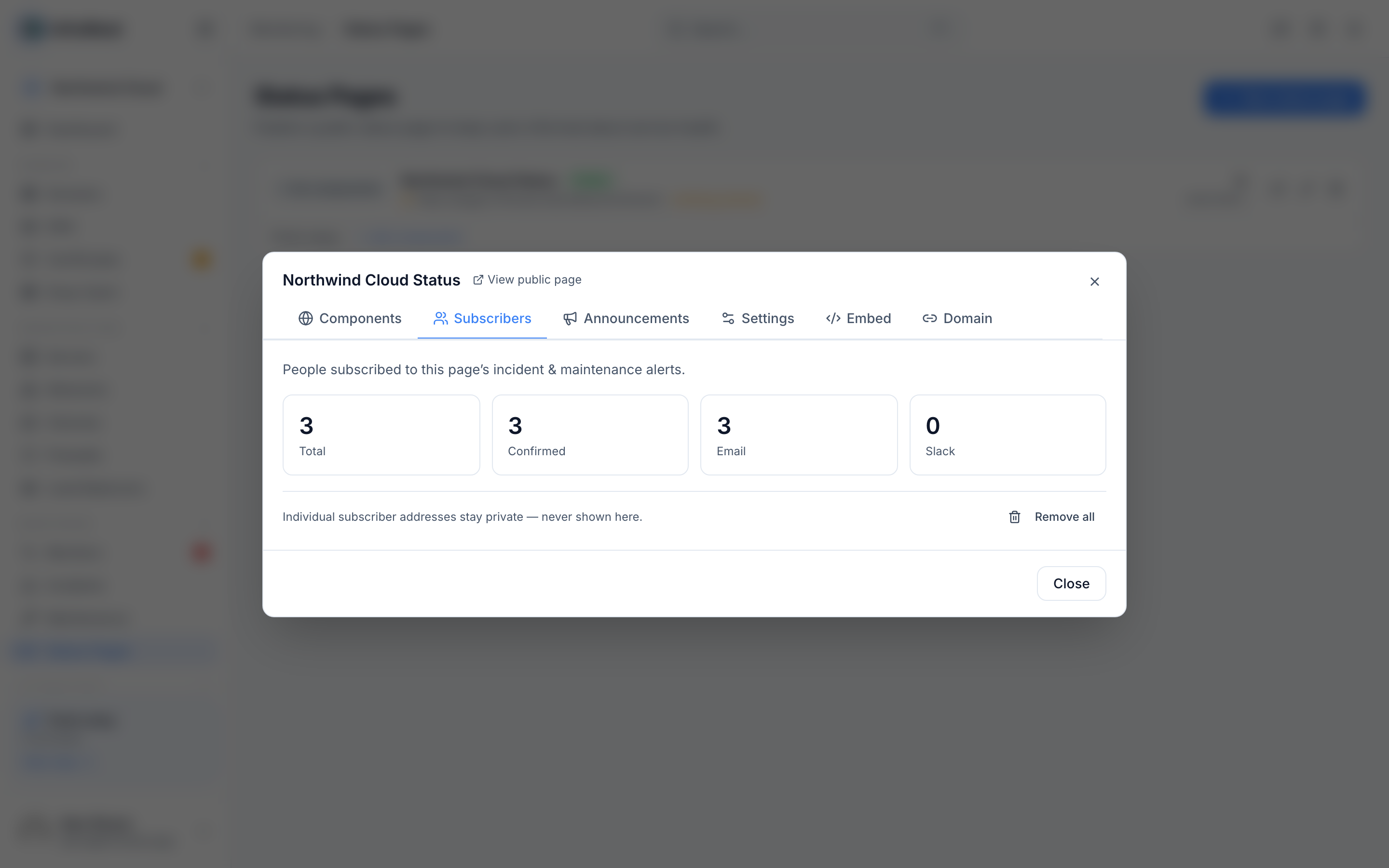
- You can view and manage your subscriber list from your page's settings.
- Announcements let you post a maintenance notice, an incident summary, or a general message to your public page — no formal incident required.
Turn on subscriber notifications
- Go to Status Pages and open the page you want to manage.
- Find the Subscriber email notifications setting.
- Select Yes, enable subscriptions to allow visitors to sign up for updates.
- Select Save changes.
Manage your subscribers
- Open the status page's settings.
- Look for the subscribers section to see everyone currently signed up.
- To remove someone, use the option next to their entry, or select Remove all to clear the whole list.
- If no one has subscribed yet, you'll see No subscribers yet.
NoteSubscribers must confirm their email before they start receiving updates. You'll see their status listed as Confirmed once they do.
Post an announcement
- Open the status page you want to update.
- Go to the Announcements section.
- Select New announcement.
- Write your message — this can be a maintenance notice, an incident summary, or any general update.
- Optionally set Show from and Show until dates to control when it appears, or leave it set to Always visible.
- Select Confirm to publish it to your public page.
If you need to make changes later, use Edit announcement, or Delete announcement to remove it. If you haven't posted any yet, you'll see No announcements.
TipAnnouncements are a fast way to communicate outside of a formal incident — great for planned maintenance or general updates that don't need a full incident report.
Tips
- Use View public page to see exactly what your visitors see, including any active announcements and the subscribe option.
- Combine announcements with Show uptime percentage and Show incident history on your page for full transparency.
Was this article helpful?
Related articles
About status pagesA status page turns your monitoring into a branded public page — on your own domain with automatic HTTPS — that shows customers what's up, what's degraded…Create a status pageBuild a status page from the monitoring you already run — there's no data to update by hand.Use a custom domain for your status pageHost your status page on your own domain — like status.example.com — with HTTPS set up automatically.