

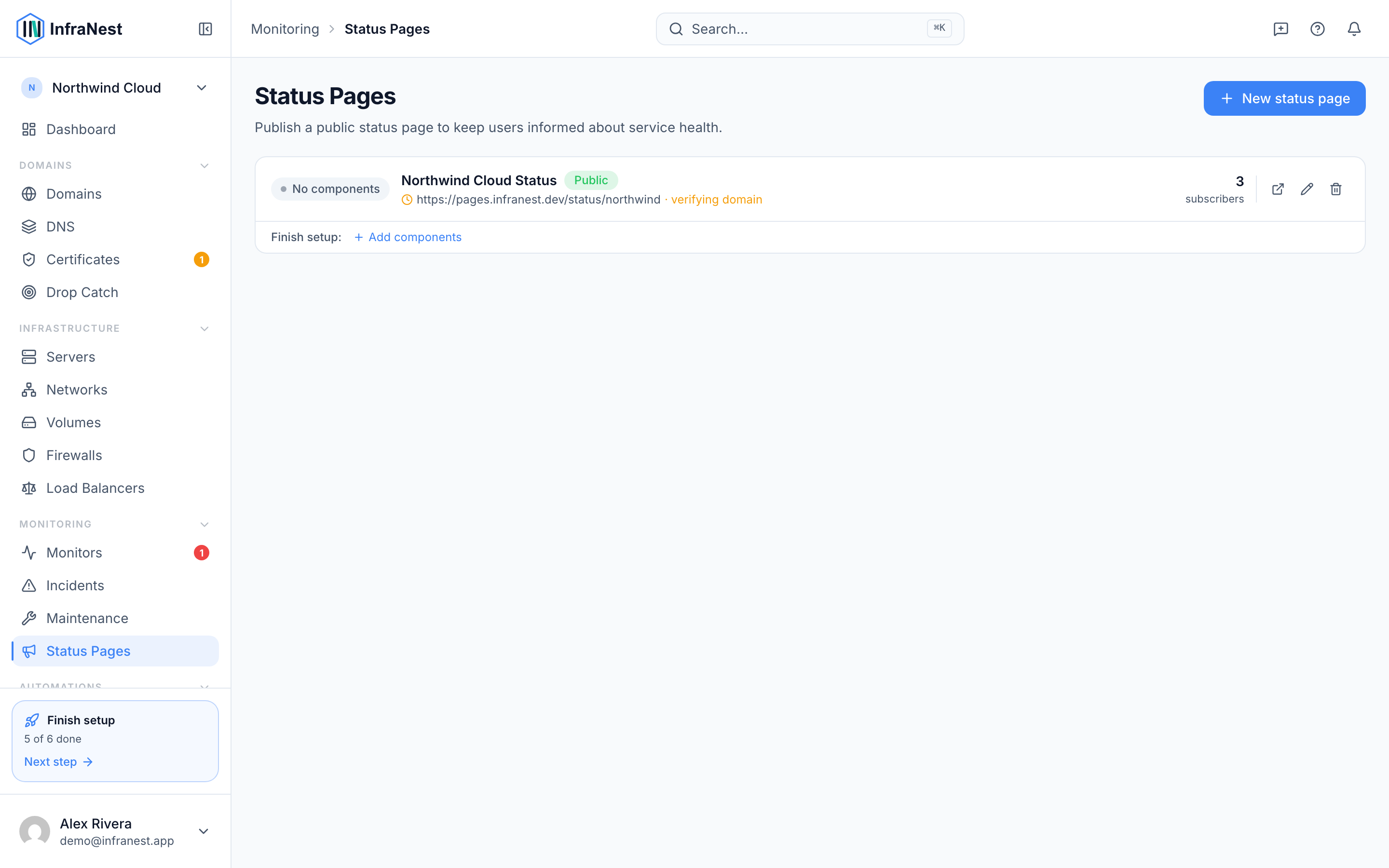
A status page is a public, branded page that shows your customers the real-time health of your services — helpful for anyone who wants to stop answering "is it down for you too?" messages.
Overview
- Turns your monitoring into a public page on your own domain, with automatic HTTPS.
- Shows what's up, what's degraded, your uptime history, and any incidents or planned maintenance.
- Updates itself from your monitoring, so you don't have to post updates by hand.
- Can automatically email subscribers when something goes wrong.
Why use a status page
- It gives customers a single place to check during an outage, instead of contacting you directly.
- It stays up to date automatically, pulled from your existing Monitors.
- It can notify subscribers by email as soon as an incident starts.
What it can show
Each of these is a toggle you control from the page's settings:
- An overall status banner — Operational, Degraded, or Partial outage.
- Show uptime percentage for each service, including a Show 90-day uptime bar.
- Show incident history with full timelines.
- Announcements you post yourself, using New announcement.
- Planned maintenance, shown as Under maintenance rather than counted as downtime.
- Third-party services you depend on, listed alongside your own so customers see the full picture.
NoteYou control visibility for the whole page too — choose Private, Password protected, or fully public under Visibility.
TipUse Set it up for me when connecting a custom domain to let InfraNest handle the DNS setup automatically.
Was this article helpful?
Related articles
Create a status pageBuild a status page from the monitoring you already run — there's no data to update by hand.Use a custom domain for your status pageHost your status page on your own domain — like status.example.com — with HTTPS set up automatically.Status page subscribers and announcementsLet visitors subscribe to your status page for updates, and post announcements to keep everyone informed.