

Dynamic IP keeps your DNS records and cloud firewall rules pointed at the right address, even when your home or office internet connection's public IP changes without warning — useful for anyone running a home lab, office network, or VPN behind a residential connection.
Overview
- Automatically updates your DNS records so they always point at your current public IP.
- Automatically updates your cloud Firewalls allow-rules, so you don't get locked out when your IP changes.
- Works with most routers and tools out of the box — no software to install.
How it works
- You create a Dynamic IP source in InfraNest and receive a secret update URL and token.
- Your router (or a small script) calls that URL from time to time. InfraNest reads the public IP the request came from.
- If the IP has changed, InfraNest updates every DNS record and firewall rule attached to that source, logs the change, and can send you an alert. If the IP hasn't changed, nothing happens.
NoteDynamic IP uses the standard dyndns2 protocol, so most routers and tools like ddclient work with just the update URL and token.
Where to find it
- Open Infrastructure in the sidebar.
- Select Dynamic IPs.
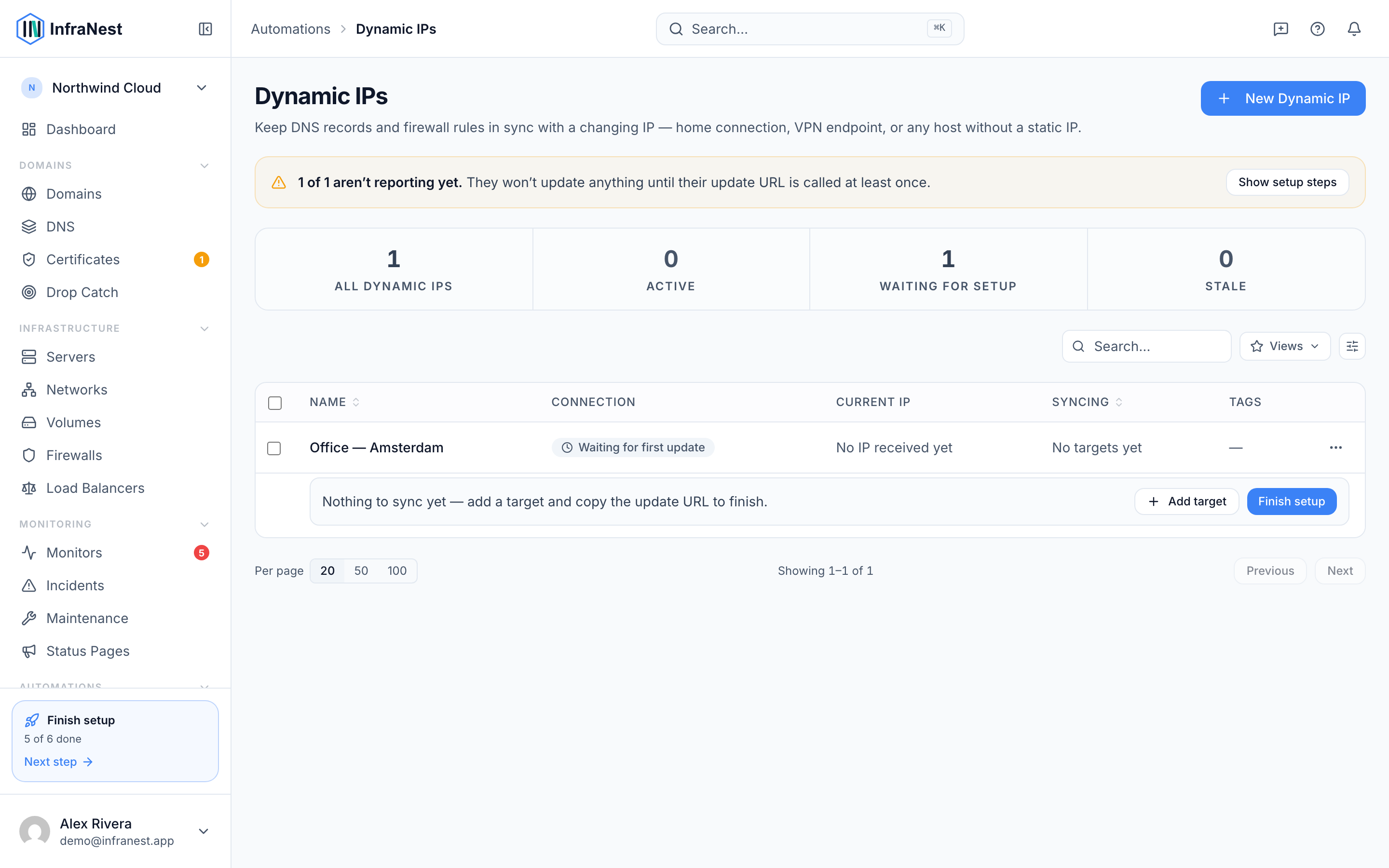
- From here you can view existing sources, or select New to create one.
TipAttach both your DNS records and your firewall rules to the same Dynamic IP source, so everything stays in sync from a single update.
Was this article helpful?
Related articles
Update your IP from a computerWhen your router can't do dynamic DNS, any computer on the same connection can do it instead — on a schedule, in the background.Set up Dynamic IP on your routerWhere to find the dynamic DNS settings on common routers, and what to put in each box.Dynamic IP isn't updatingWhat to check when a Dynamic IP isn't doing what you expect, organised by what you're seeing.Set up Dynamic IPCreate a Dynamic IP, tell your router where to send updates, and choose which DNS records and firewall rules should follow your address.