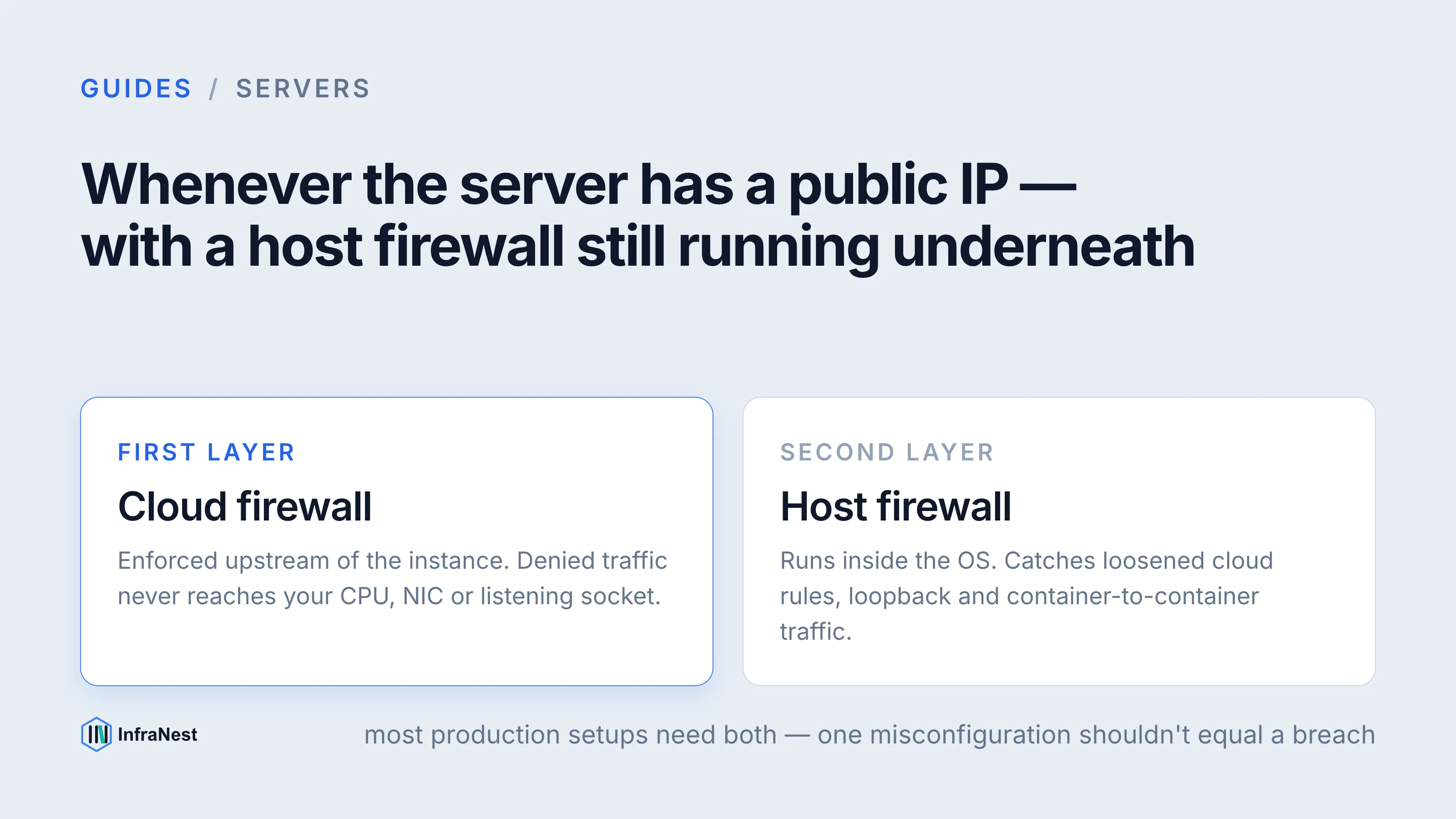
Use a cloud firewall as your first line of defence for anything internet-facing, and keep a host firewall running underneath it as a second, independent layer. Cloud firewalls (security groups, network security groups, cloud-level packet filters) sit outside the server, blocking traffic before it ever consumes CPU, bandwidth or a listening socket. Host firewalls (iptables, nftables, ufw, Windows Defender Firewall) run on the box itself and are your last line of defence if the network layer is misconfigured or bypassed.
The short version: cloud firewalls for perimeter control and blast-radius reduction, host firewalls for defence-in-depth and anything the cloud layer can't see (loopback traffic, container-to-container rules, process-aware filtering). Most production setups need both.
What's the difference between a cloud firewall and a host firewall?
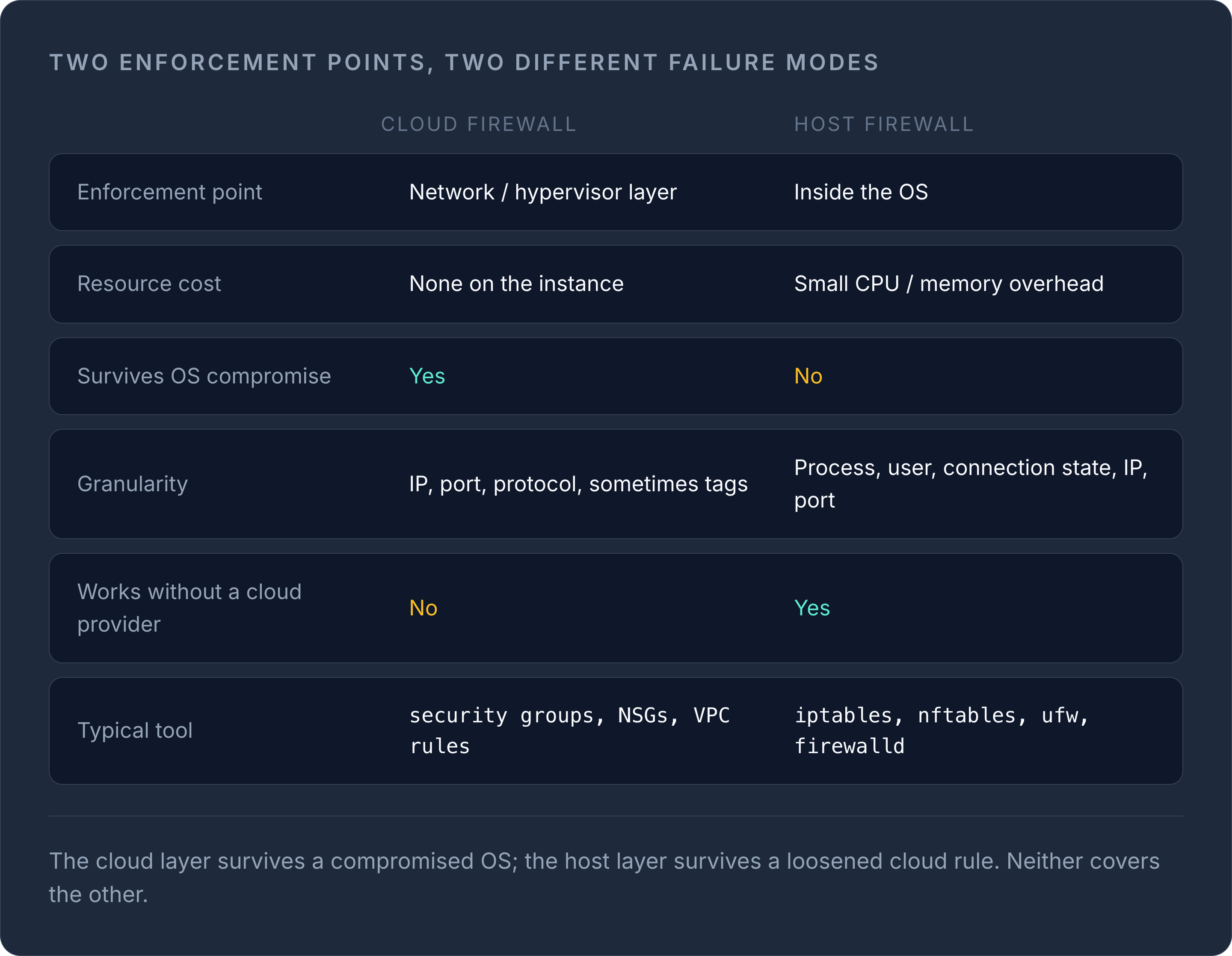
A cloud firewall is enforced by the provider's network fabric, upstream of your server's network interface. Traffic that's denied never touches your instance's CPU or NIC — it's dropped at the hypervisor or software-defined network layer. This makes cloud firewalls cheap to run (no server resources consumed) and effective against volumetric attacks and simple port scans, since the noise never reaches your box.
A host firewall runs as software inside the operating system, inspecting packets after they've already arrived at the network interface. It's more flexible — you can filter by process, user, or application logic, and it works identically whether the server is bare metal, a cloud VM, or sitting behind no cloud firewall at all. But it consumes a small amount of CPU per packet, and if the OS is compromised or misconfigured, an attacker can potentially disable it.
| Cloud firewall | Host firewall | |
|---|---|---|
| Enforcement point | Network/hypervisor layer | Inside the OS |
| Resource cost | None on the instance | Small CPU/memory overhead |
| Survives OS compromise | Yes | No |
| Granularity | IP, port, protocol, sometimes tags | Process, user, connection state, IP, port |
| Works without a cloud provider | No | Yes |
| Typical tool | Security groups, NSGs, VPC firewall rules | iptables, nftables, ufw, firewalld |
When should you use a cloud firewall?
Use a cloud firewall whenever your server has a public IP address. It should be your default rule: deny all inbound traffic except the ports you explicitly need, applied at the network layer before anything reaches the instance.
Cloud firewalls are the right tool when you want to:
- Restrict SSH or RDP access to a fixed list of office or VPN IP addresses, rather than exposing management ports to the entire internet.
- Segment tiers of an application — for example, only allow your web servers to reach your database servers on the database port, and block everything else between subnets.
- Absorb scanning and low-effort attack traffic without spending server CPU on it. A packet dropped upstream never touches your instance's TCP stack.
- Apply consistent rules across a fleet of servers by attaching the same rule set (often called a security group or firewall policy) to every instance in a role, rather than configuring each box individually.
- Quickly lock down or open a port fleet-wide during an incident, without SSHing into every server.
If you're running several cloud servers across different providers, keeping these rule sets consistent by hand gets error-prone fast — a firewall rule that's fine on one provider's console can be forgotten on another. Managing cloud servers from a single dashboard makes it much easier to audit which ports are actually open across your whole fleet, rather than trusting that everyone remembered to update every provider's console the same way.
When should you use a host firewall (or both)?
Use a host firewall on every server, regardless of whether a cloud firewall is also in place. It's your fallback if a cloud rule is accidentally loosened, if the server later moves to bare metal or a different provider that lacks equivalent controls, or if you need filtering logic the cloud layer can't express — such as rate-limiting per source IP, filtering by process/UID, or handling east-west traffic between containers on the same host.
Run both when:
- The server is internet-facing and handles anything sensitive — payment data, authentication, customer records. Defence-in-depth means one misconfiguration doesn't equal a breach.
- You manage the server across a fleet where cloud firewall rules might drift or be overridden by someone with console access.
- You need connection-state tracking or logging that's easier to configure and inspect locally than through a cloud console.
Run host-firewall-only when there genuinely is no cloud-layer firewall available — some smaller providers and dedicated/bare-metal hosts don't offer one — or when the server has no public IP at all and lives entirely inside a private network you already control at the router.
WarningNever rely on the cloud firewall alone and leave the host firewall disabled "because the cloud already blocks it." A single misapplied rule, a temporary debugging change someone forgets to revert, or a server moved to a new security group with looser defaults removes your only layer of protection.
Sane default rules to start with
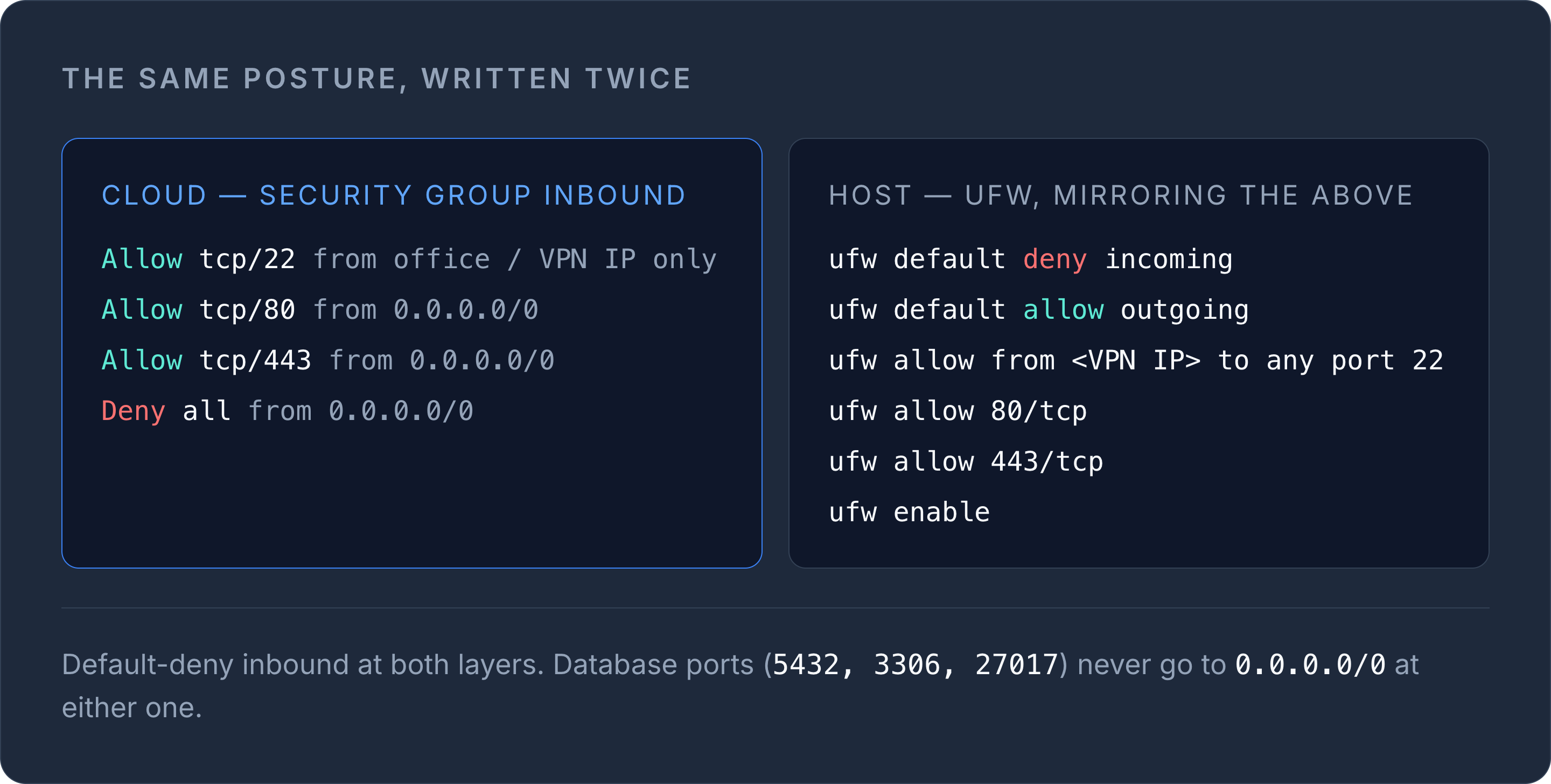
A reasonable starting posture for a typical web server, applied at both the cloud and host layer:
# Cloud firewall (security group) — inbound
Allow  tcp/22   from <your office/VPN IP only>
Allow  tcp/80   from 0.0.0.0/0
Allow  tcp/443  from 0.0.0.0/0
Deny   all      from 0.0.0.0/0

# Host firewall (ufw) — mirrors and backs up the above
ufw default deny incoming
ufw default allow outgoing
ufw allow from <your office/VPN IP> to any port 22
ufw allow 80/tcp
ufw allow 443/tcp
ufw enable
A few habits that keep this manageable over time:
- Default-deny inbound, then explicitly allow only what's needed — never default-allow and try to block the bad stuff.
- Never expose database ports (5432, 3306, 27017, etc.) to 0.0.0.0/0 at either layer; restrict them to the specific application servers that need them.
- Log denied connections at the host level for a period after any change, so you catch a rule that's too tight before it breaks something in production.
- Review rules whenever a server changes role — an old "allow all for testing" rule left on a box that later goes to production is a common way perimeters quietly weaken.
Getting visibility across providers
The hardest part of firewall hygiene isn't writing the rules — it's knowing, at a glance, which ports are actually open across every server you run, especially once you're spread across more than one cloud provider. Treat your firewall posture as something to audit regularly, not something you set once and forget.
If you're managing servers across multiple clouds and want one place to see what's actually exposed, take a look at InfraNest's cloud servers feature.
Frequently asked questions
#Can a cloud firewall replace a host firewall entirely?
Not safely. A cloud firewall protects against network-level exposure, but if it's ever misconfigured, loosened, or the server moves to different infrastructure, a host firewall is your only remaining layer of protection.
#Do cloud firewalls slow down network performance?
No — because they're enforced upstream at the network or hypervisor layer, blocked traffic never reaches your server's CPU or network stack, so there's no per-packet overhead on the instance itself.
#Should database ports ever be open to the public internet?
No. Database ports should only be reachable from the specific application servers that need them, restricted at both the cloud firewall and host firewall layers — never exposed to 0.0.0.0/0.
#What's a sane default firewall policy for a new server?
Default-deny all inbound traffic, then explicitly allow only SSH from trusted IPs and the ports your application actually serves (typically 80 and 443), applied consistently at both the cloud and host layer.
Was dit artikel nuttig?