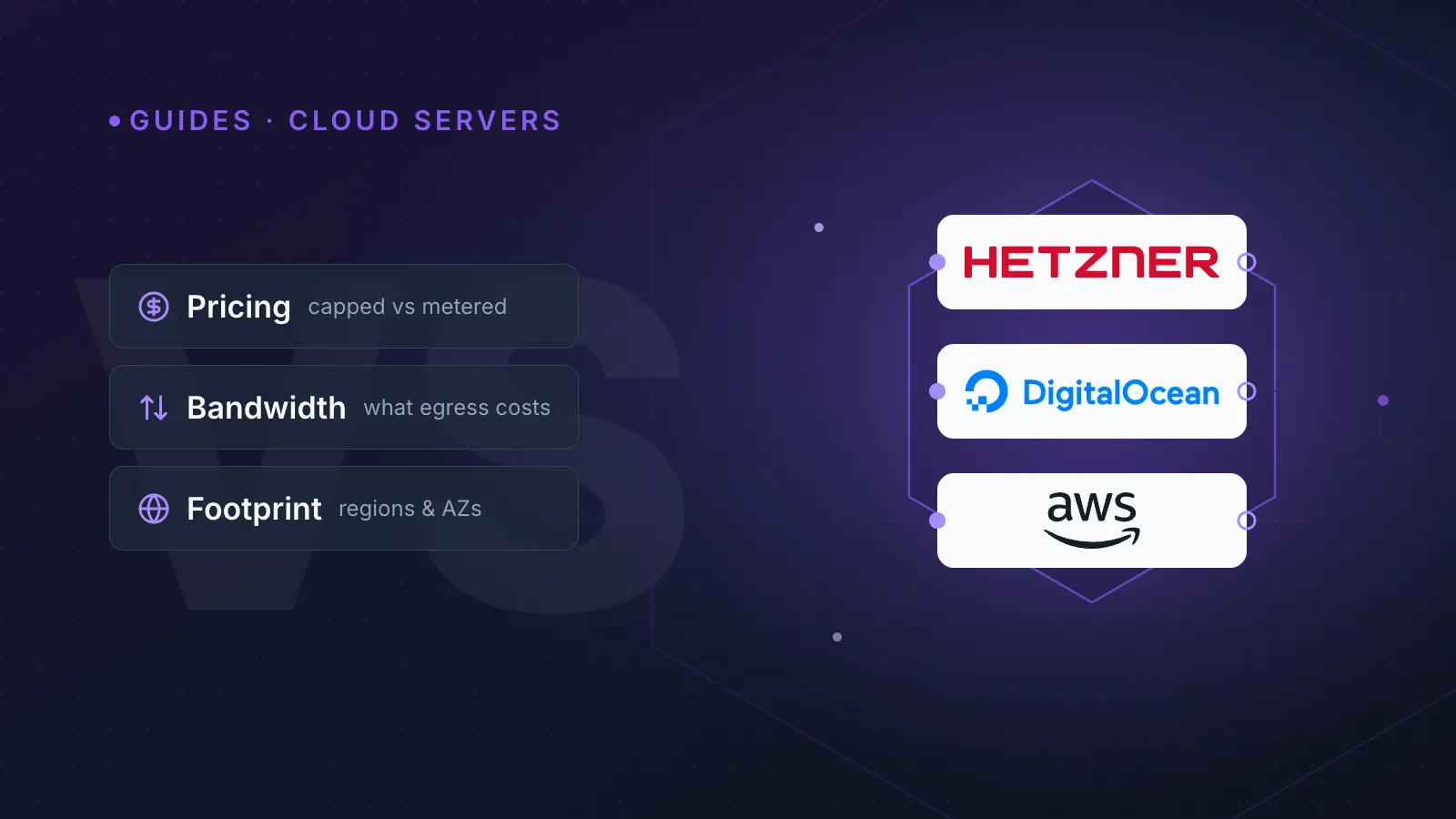
Hetzner wins on raw price and bandwidth, DigitalOcean wins on simplicity, and AWS wins on breadth and enterprise-grade guarantees — the right choice depends on which of those three things matters most for your workload. None of the three is objectively "best"; they're built for different buyers, and most agencies and technical teams end up running more than one.
This comparison focuses on Hetzner Cloud, DigitalOcean Droplets, and AWS EC2 — the compute products people compare most often when picking a provider for a new project.
How does pricing actually work on each?
All three bill compute by consumption, but the granularity and caps differ in ways that matter once you're running more than a handful of servers.
| Provider | Billing model | Monthly cap? |
|---|---|---|
| Hetzner Cloud | Hourly, capped | Yes — never exceeds the listed monthly price |
| DigitalOcean | Hourly, capped | Yes — capped at the plan's monthly rate |
| AWS EC2 (On-Demand) | Per-second (60s minimum) | No cap — cost scales linearly with usage |
Hetzner and DigitalOcean both cap hourly billing at a fixed monthly ceiling, so a server left running all month costs exactly the advertised monthly price. AWS On-Demand has no such cap — it's genuinely pay-as-you-go, which is great for short-lived workloads but means a forgotten large instance can run up a real bill. AWS's Free Tier gives new accounts 12 months of limited EC2, S3 and other usage; DigitalOcean typically offers time-limited signup credit instead of an ongoing free tier; Hetzner runs occasional promo credit but has no permanent free compute.
TipIf cost predictability matters more than elasticity, Hetzner or DigitalOcean's capped billing is easier to forecast than AWS On-Demand — reserve AWS for workloads where you'll actually use Savings Plans or Reserved Instances to control spend.
How do the instance lineups compare?
AWS has by far the widest range of instance families: general-purpose (t/m), compute-optimised (c), memory-optimised (r/x), storage-optimised (i/d) and accelerated computing (p/g/inf) instances, spread across dozens of regions. That breadth is useful if you need a very specific CPU-to-RAM ratio or GPU access, but it also means more decisions and more SKUs to reason about.
DigitalOcean keeps things simpler: Basic (shared vCPU) Droplets plus General Purpose, CPU-Optimised, Memory-Optimised and Storage-Optimised lines. Hetzner Cloud is the most compact of the three — Shared vCPU (CX, Intel), Shared vCPU (CPX, AMD) and Dedicated vCPU (CCX) lines cover most general-purpose needs without a huge catalogue to wade through.
Here's a rough command comparison for spinning up a similarly-specced small server on each, using each provider's native CLI:
# Hetzner Cloud (hcloud CLI)
hcloud server create --name web-01 --type cx22 --image ubuntu-24.04 --location fsn1

# DigitalOcean (doctl)
doctl compute droplet create web-01 --size s-2vcpu-4gb --image ubuntu-24-04-x64 --region fra1

# AWS (aws-cli)
aws ec2 run-instances --instance-type t3.small --image-id ami-xxxxxxxx --region eu-central-1
The syntax differs, the instance names differ, and the regional flags differ — which is exactly the kind of friction that makes multi-provider infrastructure hard to manage from separate dashboards. See our guide on how to automate DNS, SSL and server tasks across every provider for ways to abstract that away.
Which has the biggest regional footprint?
AWS operates the largest global footprint of the three, with multiple Availability Zones per region across most continents — useful for regulatory data-residency requirements and for building fault-tolerant multi-AZ architectures. DigitalOcean covers a moderate number of regions worldwide without an AZ-redundancy model. Hetzner's footprint is the smallest, concentrated in Germany, Finland and a couple of US locations (Ashburn, Hillsboro), with no multi-AZ equivalent inside a region.
If your users are mostly in Europe and you don't need AZ-level redundancy, Hetzner's footprint is entirely adequate. If you need presence across five continents or formal multi-AZ resilience, AWS is the only one of the three that delivers it natively.
Who gives you the most bandwidth for the money?
Bandwidth is where Hetzner separates itself most clearly. Hetzner Cloud servers include a generous free monthly traffic allowance on most plans, with overage billed per TB — among the most bandwidth-generous offerings in the industry. DigitalOcean pools a set amount of outbound transfer per Droplet across the account, billing overage per GB. AWS charges for data transfer out to the internet per GB from close to the first byte in most regions, which makes egress the most expensive of the three at any real scale — a well-known pain point for AWS-hosted media, backup and CDN-origin workloads.
WarningEgress costs are the single biggest surprise on AWS bills for teams migrating from Hetzner or DigitalOcean. Model your expected outbound traffic before committing, especially for video, backups, or high-traffic APIs.
What about SLAs and support?
AWS publishes a formal EC2 Compute SLA with tiered service credits for breaches, commonly targeting very high monthly uptime when instances are spread across multiple AZs. DigitalOcean also commits to a tiered SLA with service credits for Droplet downtime. Hetzner's SLA commitments have historically been less formal than AWS's or DigitalOcean's tiered-credit structure — worth reading the current wording on Hetzner's legal pages before relying on it for a contractual uptime commitment to your own customers.
Support follows a similar pattern: AWS offers free Basic Support plus paid tiers (Developer, Business, Enterprise) with faster response SLAs and account management. DigitalOcean includes ticket-based support at every tier, with paid Priority/Premier tiers for faster response. Hetzner support is primarily ticket/email-based, without AWS-style paid response-time contracts.
Does managed Kubernetes change the comparison?
It shifts the economics meaningfully. AWS EKS charges a flat per-cluster-hour fee for the control plane on top of worker node compute. DigitalOcean Kubernetes (DOKS) doesn't charge for the control plane at all — you only pay for the worker Droplets, which makes it noticeably cheaper for small and mid-size clusters. Hetzner doesn't offer a first-party managed control plane; teams typically self-manage Kubernetes or use community tooling like kube-hetzner on top of Hetzner Cloud servers, trading a lower infrastructure bill for more operational responsibility.
So which one should you actually pick?
- Pick Hetzner if cost-per-core, bandwidth allowance and simplicity matter most and your users are mainly in Europe or the US.
- Pick DigitalOcean if you want AWS-like managed services (databases, Kubernetes, load balancers) without AWS-like complexity or a huge SKU catalogue.
- Pick AWS if you need global multi-AZ resilience, the widest instance selection, deep managed-service integration, or enterprise procurement/compliance requirements.
Many teams don't pick one — they run production on AWS for resilience, dev/staging on Hetzner or DigitalOcean for cost, and end up with DNS, certificates and monitoring scattered across three different dashboards. That fragmentation is exactly what causes expired certificates and missed DNS changes; pairing your infrastructure choice with consistent website monitoring across every provider closes that gap.
How InfraNest fits in
InfraNest manages servers, DNS, SSL certificates and uptime monitoring across Hetzner, DigitalOcean, AWS and every other provider from one dashboard — so switching providers, or running several at once, doesn't mean switching tools. Hetzner users get direct integration for provisioning and management without leaving InfraNest.
Compare providers side by side and manage them all from one place with cloud server management, or connect your account directly through the Hetzner integration.
Frequently asked questions
- Is Hetzner cheaper than DigitalOcean and AWS?
- For comparable compute specs, Hetzner is generally the cheapest of the three, largely because of its capped hourly billing and generous included bandwidth. DigitalOcean is usually next, with AWS On-Demand pricing the most expensive at scale once data-transfer-out charges are included.
- Can I move a server from AWS to Hetzner or DigitalOcean without downtime?
- Yes, if you provision the new server first, sync data across, then cut over DNS once it's ready and tested. Lowering your DNS TTL before the migration and monitoring the new server's uptime during cutover minimises risk.
- Does Hetzner support the same instance flexibility as AWS?
- No — Hetzner's lineup (CX, CPX and CCX server types) is intentionally compact compared with AWS's dozens of instance families, so it covers most general-purpose and CPU-bound workloads well but lacks AWS's specialised GPU, memory-optimised and storage-optimised options.
- Which provider is best for a multi-region production setup?
- AWS is the strongest choice for true multi-region, multi-AZ resilience because of its global footprint and Availability Zone model; Hetzner and DigitalOcean can run multi-region setups too, but without AWS's built-in AZ redundancy within a single region.