For most websites, Let's Encrypt is genuinely enough — it provides browser-trusted encryption at no cost with automated renewal. Commercial SSL certificates earn their price when you need organisation-level identity vetting, contractual warranties, or paid support, not because they're cryptographically stronger.
This comes up constantly when teams standardise their certificate strategy across dozens of domains and providers. The technical trust level is identical either way — the difference is what sits behind the certificate.
What Let's Encrypt actually gives you
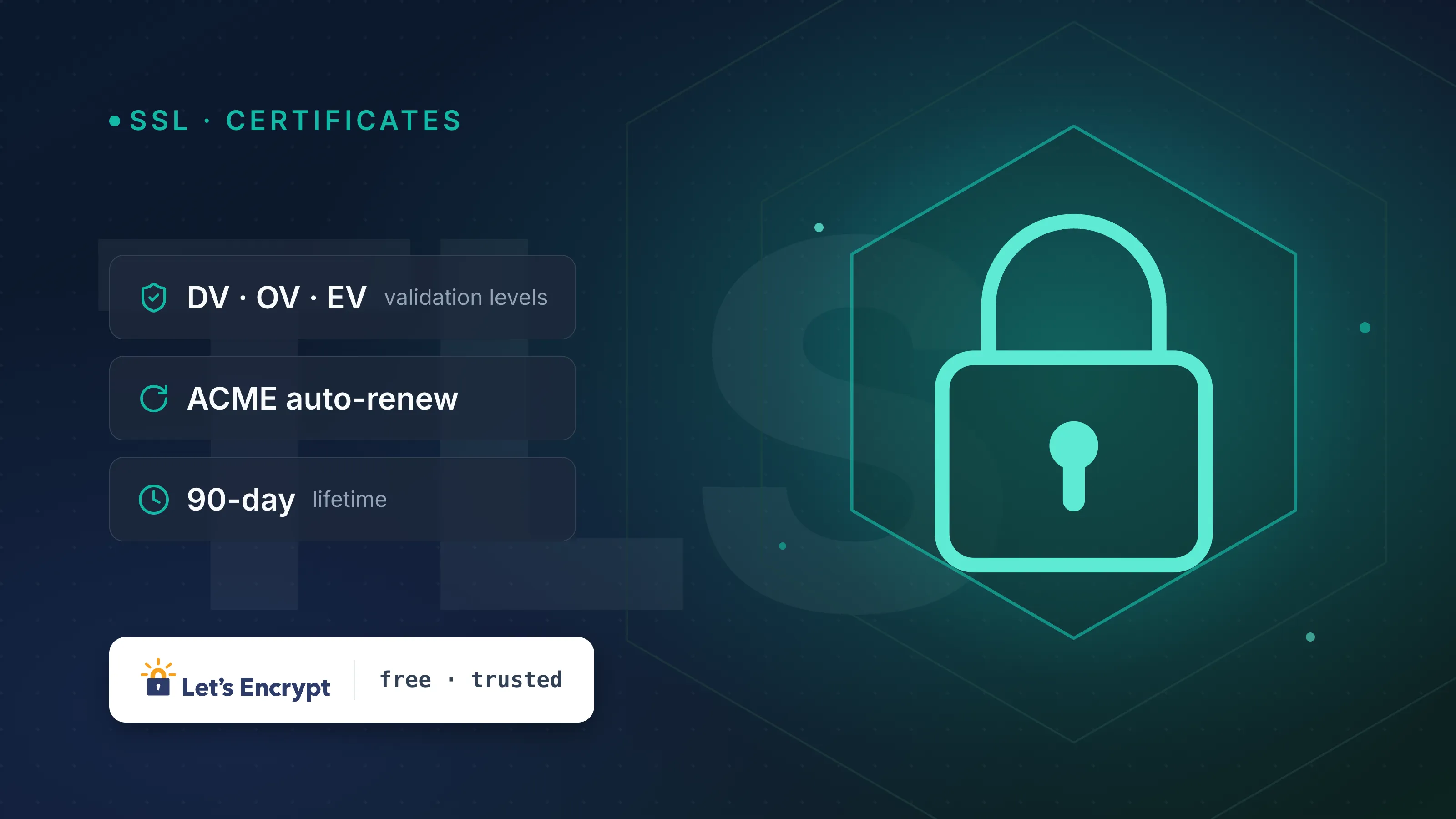
Let's Encrypt is a free, automated certificate authority (CA) run by the nonprofit Internet Security Research Group (ISRG). It issues only Domain Validation (DV) certificates, which confirm you control a domain but say nothing about who you are as a legal entity.
Key technical facts:
- Issuance happens over ACME (Automatic Certificate Management Environment, RFC 8555), which is why renewal can be fully scripted.
- Default certificate validity is 90 days, with official guidance to renew automatically at the 60-day mark.
- Let's Encrypt also offers an optional 6-day short-lived profile, aimed at reducing the blast radius of a compromised key.
- Wildcard certificates (
*.example.com) are supported, but only via the DNS-01 challenge — you must prove control of DNS, not just serve a file over HTTP. - Rate limits apply per registered domain (historically around 50 certificates per domain per week, with separate limits for duplicates and failed validations) — check Let's Encrypt's current rate-limit documentation before a large rollout, since these numbers do get revised.
- Trust chains up to ISRG Root X1 (RSA) and ISRG Root X2 (ECDSA), both self-signed and directly trusted in modern root stores.
- There's no warranty, no liability insurance, and support is community-forum only.
What commercial CAs add
Commercial CAs — DigiCert, Sectigo, GlobalSign, Entrust and others — issue the same DV certificates Let's Encrypt does, plus two tiers Let's Encrypt doesn't offer:
- Organization Validation (OV): the CA verifies the legal existence of your business before issuing.
- Extended Validation (EV): a deeper vetting process involving legal, physical and operational checks.
The catch: EV no longer changes what a visitor sees in the address bar. Chrome removed the distinct green-bar EV treatment around version 77 (2019), and other major browsers followed similar paths. So the practical value of OV/EV today is the audit trail and vetting record, not a visible trust signal for end users.
What you're really buying from a commercial CA is:
- A warranty or liability policy (commonly six or seven figures in USD) if the CA mis-issues a certificate.
- SLA-backed issuance and paid phone or email support.
- A vetted organisational identity, useful for compliance frameworks, procurement checklists, or industries where an auditor wants to see a business-verified certificate on file.
DV vs OV vs EV, and where each CA fits
| Feature | Let's Encrypt | Typical commercial CA |
|---|---|---|
| Validation levels | DV only | DV, OV, EV |
| Max validity | 90 days (or 6-day short-lived) | Up to 398 days (CA/Browser Forum cap) |
| Wildcard support | Yes, DNS-01 only | Yes, DNS-01 (or equivalent) only |
| Cost | Free | Paid, per certificate or per year |
| Warranty/insurance | None | Often included |
| Support | Community forum | Paid SLA support |
| Browser trust level | Equal | Equal |
One fact worth underlining: the 398-day maximum validity is a CA/Browser Forum Baseline Requirement that applies industry-wide, not a Let's Encrypt limitation you can escape by paying more. The Forum has also been discussing further lifespan reductions in recent ballots, so expect shorter maximums across all publicly trusted CAs over time — automation is becoming mandatory in practice, whichever CA you choose.
When free ACME certificates are enough
Let's Encrypt is the right default for:
- Standard websites, APIs, and internal services where visitors don't need to know who legally owns the domain.
- Any setup where you can automate renewal — cron-driven certbot, an ACME client baked into your load balancer, or a platform that renews for you.
- Agencies managing certificates across many client domains, where automation matters more than per-certificate cost.
- Short-lived infrastructure — staging environments, ephemeral servers, anything spun up and torn down regularly.
If you're not sure what's currently deployed on a domain, run it through SSL check to see the issuer, validation level, expiry date, and chain — a fast way to audit before you standardise.
When to pay for a commercial certificate
Reach for a commercial CA when:
- Procurement or compliance requires OV/EV vetting on file (common in finance, healthcare, or enterprise B2B contracts).
- You need contractual liability coverage rather than a best-effort community project.
- You want a paid support line for issuance problems during a launch window.
- Your organisation issues certificates infrequently enough that automation isn't worth building, and a longer (up to 398-day) validity period reduces renewal overhead.
For most infrastructure teams running dozens or hundreds of domains, the calculus favours automation over long validity — a 90-day free certificate that renews itself unattended is operationally simpler than a 398-day certificate someone has to remember to rotate manually.
Example: automating a Let's Encrypt renewal
A typical certbot renewal check, run via cron or systemd timer:
certbot renew --quiet --deploy-hook "systemctl reload nginx"
This checks all certificates on the box, renews any within 30 days of expiry, and reloads nginx only if a renewal actually happened. For DNS-01 wildcard issuance, you'd instead run something like:
certbot certonly --dns-cloudflare \
  --dns-cloudflare-credentials ~/.secrets/cloudflare.ini \
  -d '*.example.com' -d 'example.com'
Either way, the goal is the same: renewal should be a scheduled job, not a calendar reminder.
Managing certificates across providers
Once you're running Let's Encrypt on some domains and commercial certificates on others — which is normal for agencies and multi-cloud teams — tracking expiry manually gets error-prone fast. Certificate management in InfraNest gives you one dashboard for issuance, renewal, and expiry alerts across every registrar and CA, so a missed renewal doesn't turn into a production outage.
If you're auditing what's live right now, start with SSL check on your key domains before deciding where automation can replace a paid certificate — and where it can't.
Frequently asked questions
- Is a Let's Encrypt certificate less secure than a paid certificate?
- No. Both use the same encryption standards and chain to roots trusted equally by browsers; the difference is validation depth (DV vs OV/EV) and whether a warranty or paid support is included, not cryptographic strength.
- Can Let's Encrypt issue wildcard certificates?
- Yes, but only using the DNS-01 challenge, which requires you to create a TXT record proving control of the domain's DNS zone. This restriction on wildcard issuance applies to commercial CAs too, since it's a CA/Browser Forum requirement, not something specific to Let's Encrypt.
- Why does Let's Encrypt expire every 90 days when commercial certificates last longer?
- Let's Encrypt deliberately defaults to a short 90-day lifetime to encourage automated renewal and limit exposure from a compromised key; commercial CAs can issue up to the industry-wide cap of 398 days, though that maximum applies to every publicly trusted CA, not just paid ones.
- Does EV validation still show a green address bar?
- No. Major browsers, including Chrome from around version 77, removed the distinct EV visual treatment, so the practical benefit of EV today is the vetted business record behind the certificate rather than a different browser UI.