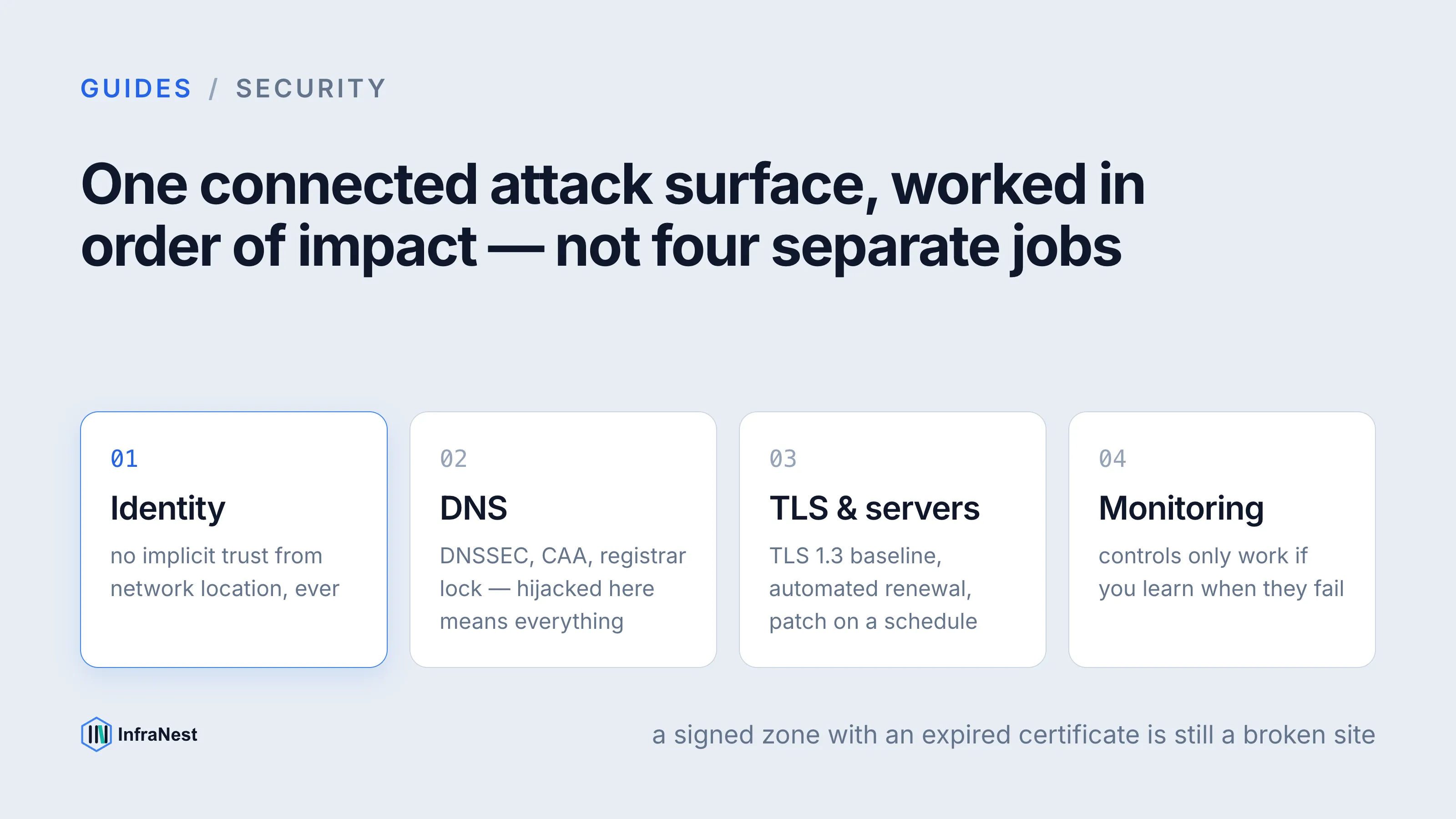
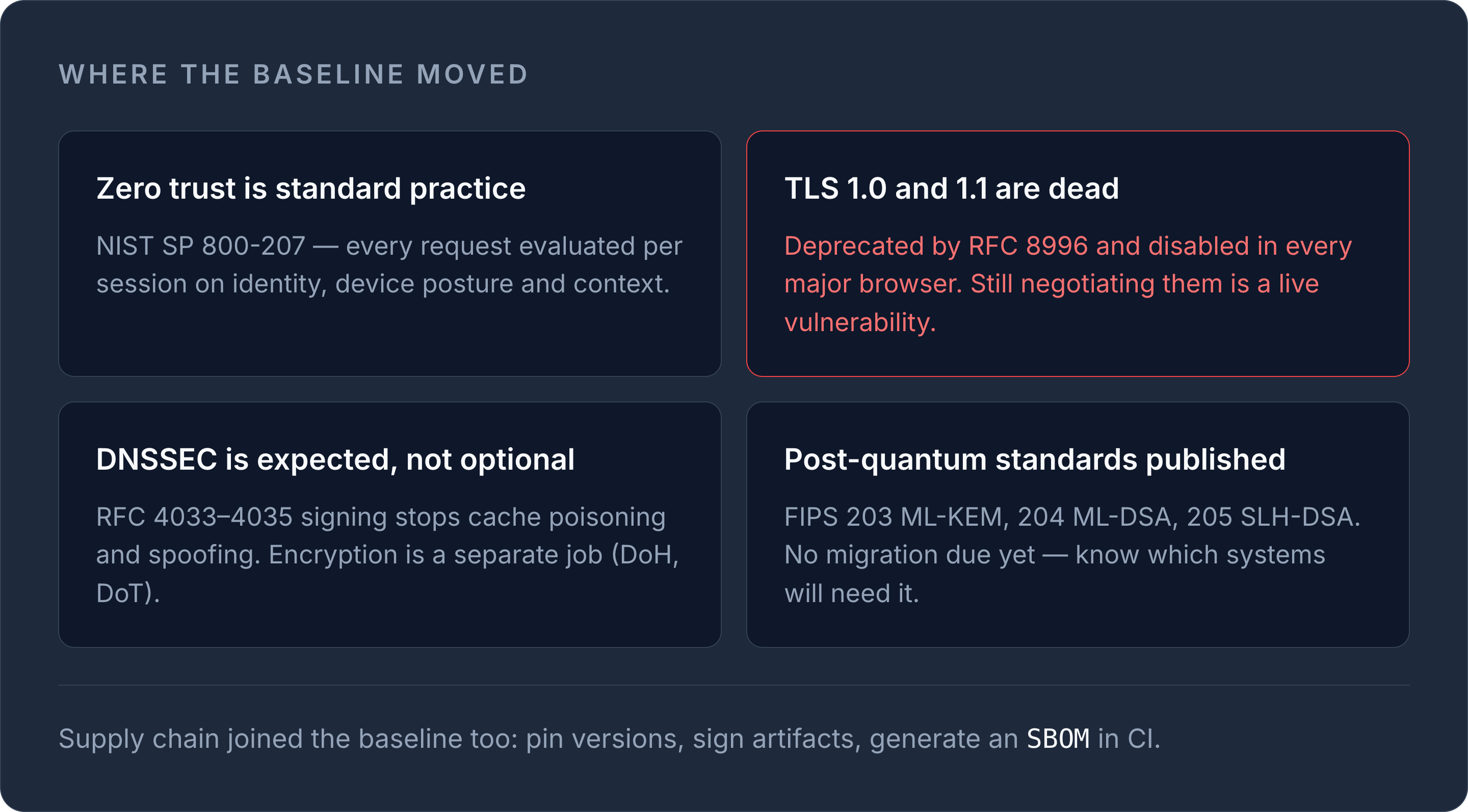
Securing infrastructure in 2026 means treating DNS, TLS, servers, and monitoring as one connected attack surface rather than four separate jobs. The baseline has shifted: zero trust access models are now standard practice, TLS 1.0/1.1 are dead, DNSSEC adoption is expected rather than optional, and post-quantum cryptography has moved from research to published NIST standards. This checklist walks through what actually matters, in order of impact.
Start with identity, not the network perimeter
The old model — trust anything inside the firewall — doesn't hold up when teams are distributed and workloads span multiple clouds. NIST SP 800-207 defines zero trust architecture around one core idea: no implicit trust based on network location, ever. Every request gets evaluated per-session, based on identity, device posture, and context.
Practical steps that get you most of the way there:
- Enforce multi-factor authentication (MFA) on every account with admin, root, or DNS-management privileges — no exceptions for "internal only" accounts.
- Replace long-lived static access keys with short-lived, scoped credentials (temporary tokens via STS-style mechanisms) wherever your cloud provider supports it.
- Apply least privilege through scoped IAM roles rather than broad admin policies — a deploy pipeline doesn't need full account access.
- Segment access by workload, not by network zone. A compromised web server shouldn't have a path to your DNS or billing console.
WarningTLS 1.0 and TLS 1.1 were formally deprecated by RFC 8996 and are disabled in every major browser. If anything in your stack still negotiates them, treat it as an active vulnerability, not a compatibility setting.
Lock down DNS before anything else
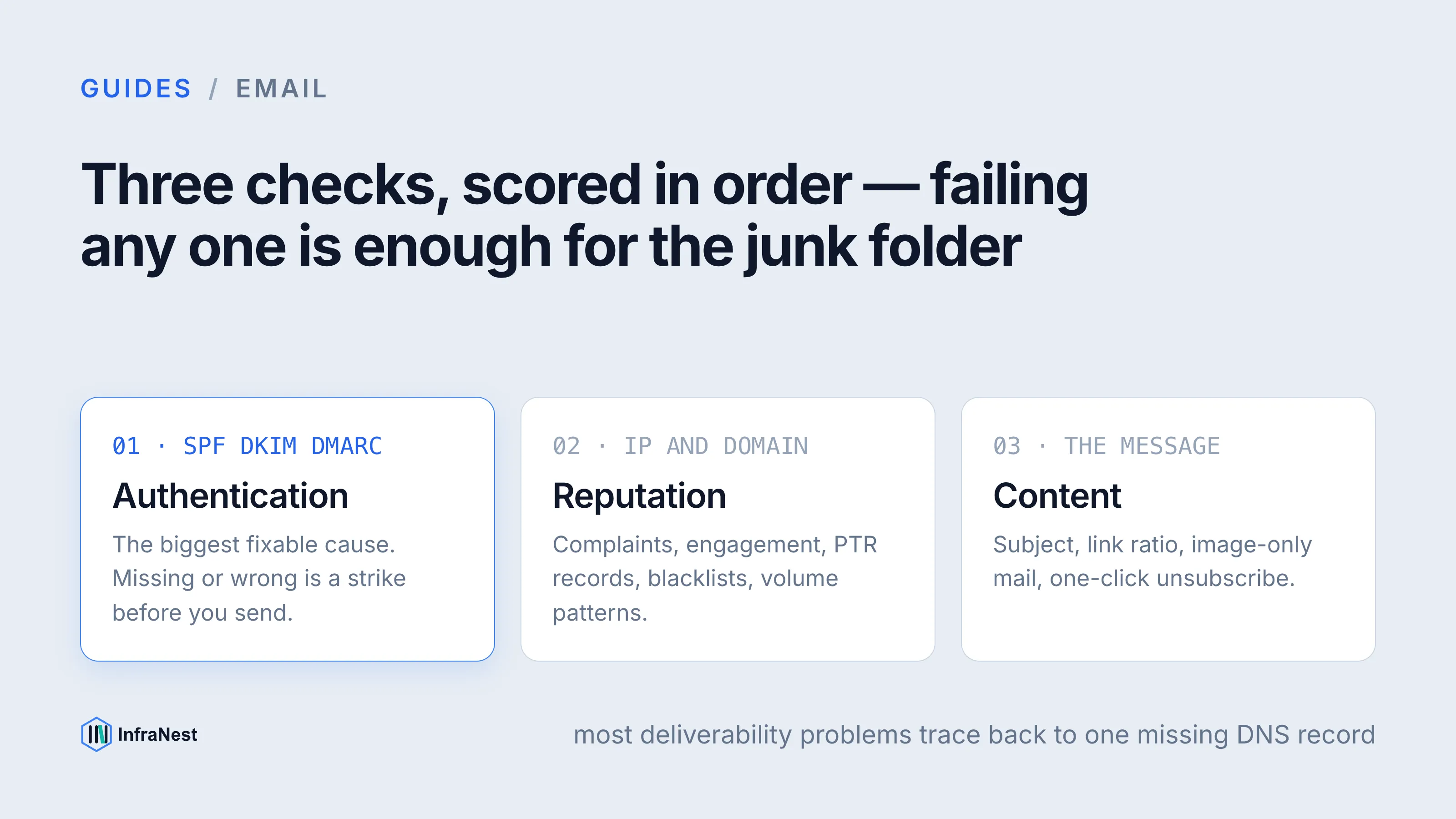
DNS is the part of your infrastructure attackers hit first, because a hijacked domain gives them everything downstream — email, SSL issuance, and traffic. Two controls matter most in 2026:
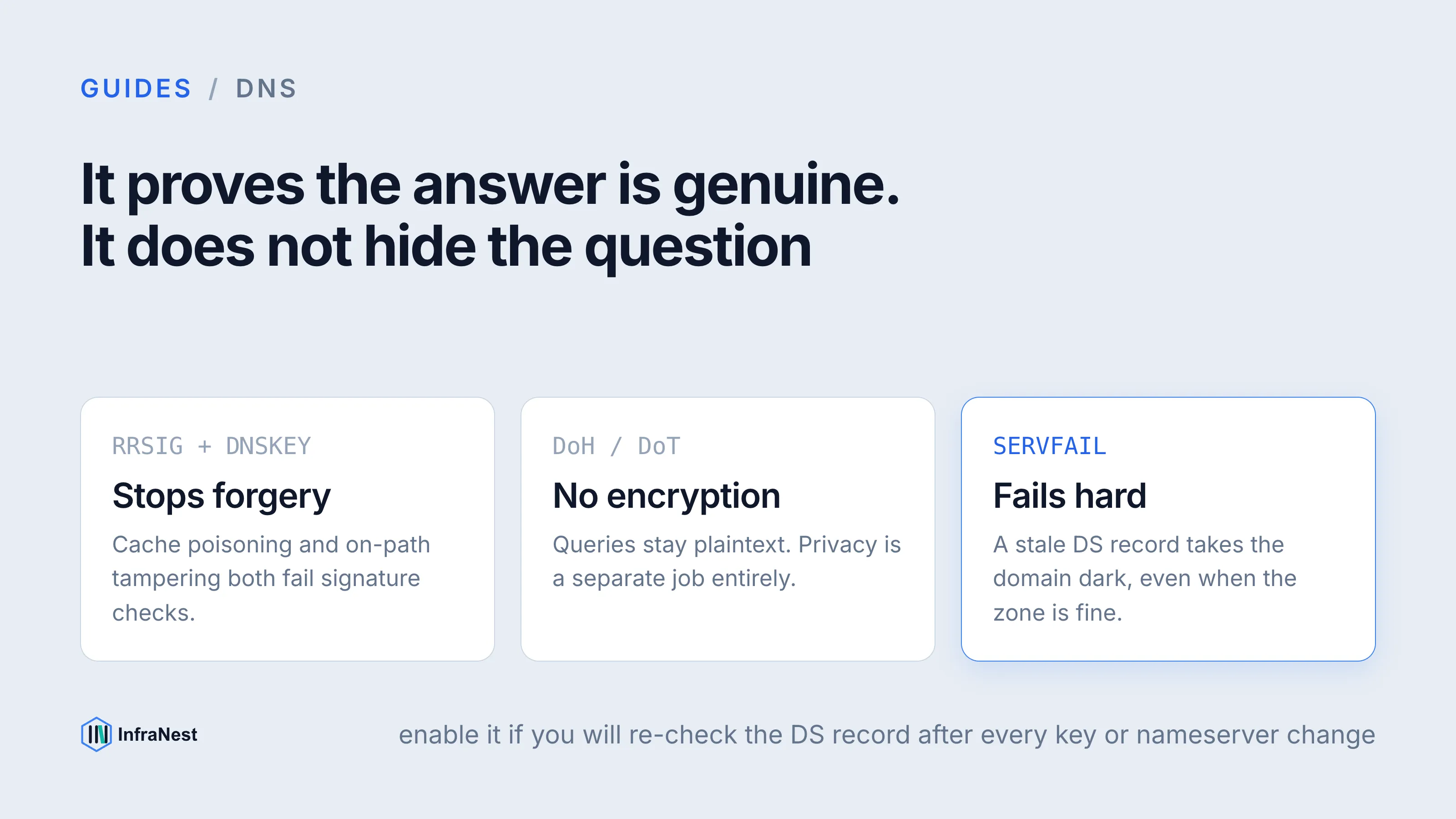
- DNSSEC (RFC 4033/4034/4035) cryptographically signs your zone so resolvers can verify records haven't been tampered with in transit. It doesn't encrypt DNS traffic — that's what DNS-over-HTTPS (RFC 8484) and DNS-over-TLS (RFC 7858) are for — but it stops cache-poisoning and spoofing attacks cold.
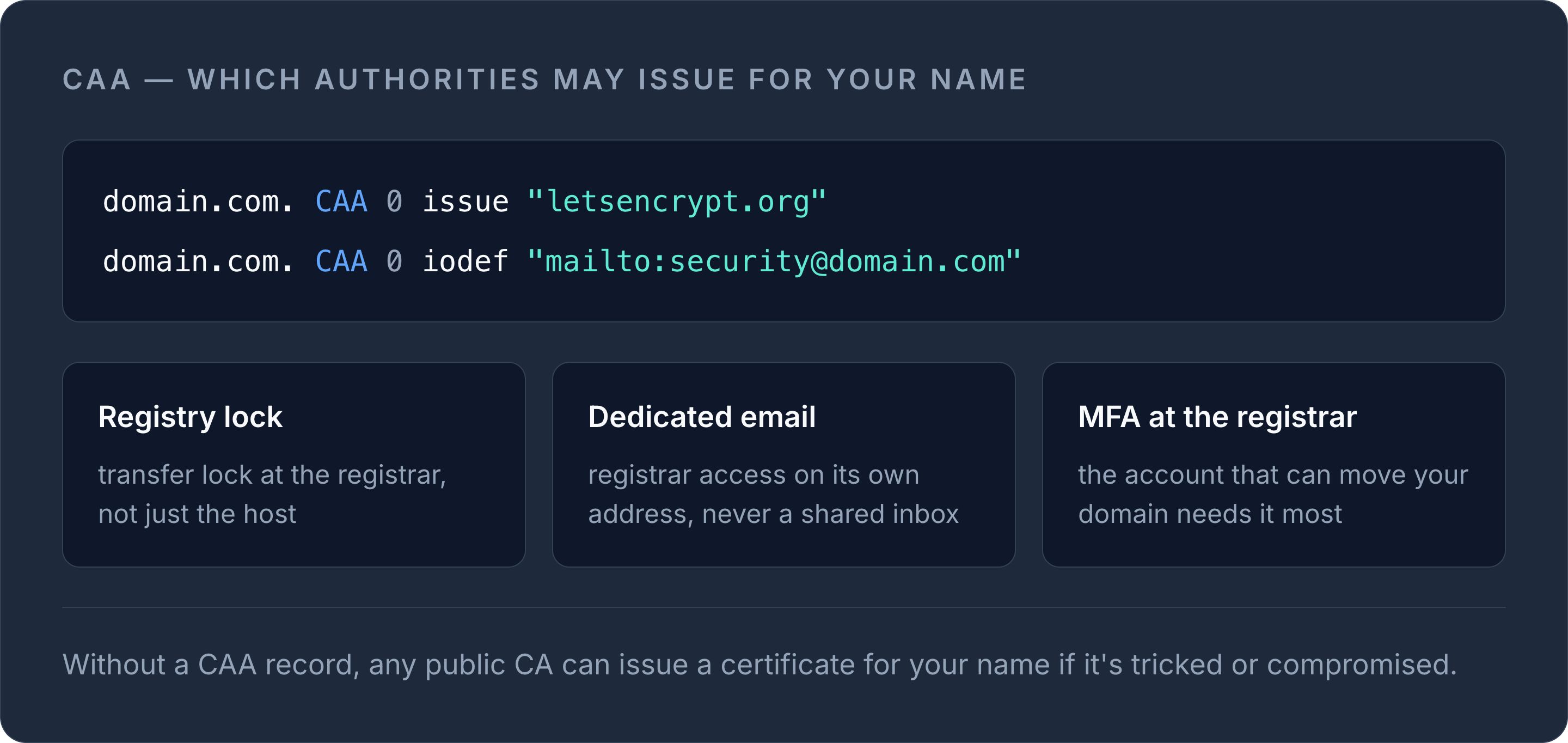
- CAA (Certification Authority Authorization) records restrict which certificate authorities are allowed to issue certificates for your domain. Without one, any public CA can issue a cert for your name if they're tricked or compromised.
domain.com. CAA 0 issue "letsencrypt.org"
domain.com. CAA 0 iodef "mailto:[email protected]"
Add registrar-level protections too: enable registry lock or transfer lock, use a dedicated (not shared) email for registrar access, and turn on MFA at the registrar — not just at the hosting layer. For a full rundown of record types and how they interact, see our DNS record types guide. You can check any domain's current setup with the free DNS lookup tool.
Automate certificate issuance and renewal
Expired certificates are still one of the most common self-inflicted outages, and they're entirely preventable. TLS 1.3 (RFC 8446) is the baseline you should be running — it drops legacy ciphers and mandates forward secrecy, and most modern load balancers and reverse proxies support it out of the box.
TipRun your domain through the free SSL check tool after any certificate change — it verifies the full chain, not just the leaf certificate, which is where most misconfigurations hide.
If you're deciding between free automated certificates and paid ones, our comparison of Let's Encrypt vs commercial SSL certificates covers when each makes sense. Either way, automate renewal — manual certificate rotation doesn't scale past a handful of domains and it's the single easiest failure to eliminate.
Harden servers and containers
Whether you're running bare-metal, VMs, or Kubernetes, the same fundamentals apply:
- Disable anonymous or unauthenticated access to management APIs (Kubernetes API server, Docker daemon socket, cloud metadata endpoints).
- Run containers as non-root and apply a restricted Pod Security Standard profile where Kubernetes is in play.
- Patch on a schedule, not reactively — unpatched CVEs in exposed services are still the leading cause of server compromise.
- Close every port you're not actively using. A firewall rule you forgot about is a door you left unlocked.
Don't skip supply chain security
A growing share of incidents originate in build pipelines and third-party dependencies, not in your own code. Two practices are now considered baseline:
- SBOMs (Software Bill of Materials), in SPDX or CycloneDX format, give you a machine-readable inventory of every dependency in a build — essential when a CVE drops and you need to know in minutes, not days, whether you're exposed.
- SLSA (Supply-chain Levels for Software Artifacts) defines increasing levels of build integrity and provenance, from basic version control up to tamper-resistant, fully verifiable builds.
Neither requires a big platform change to start — pin dependency versions, sign build artifacts, and generate an SBOM as part of CI.
Watch for post-quantum cryptography migration
NIST finalised its first post-quantum cryptography standards in 2024: FIPS 203 (ML-KEM, key encapsulation), FIPS 204 (ML-DSA, signatures), and FIPS 205 (SLH-DSA, hash-based signatures). Most CAs and browsers aren't requiring PQC certificates yet, but hybrid key exchange is already appearing in some TLS implementations. You don't need to migrate today — you do need to know which of your systems will need updating when CAs start offering PQC-backed certificates.
Monitor everything, and know the moment it breaks
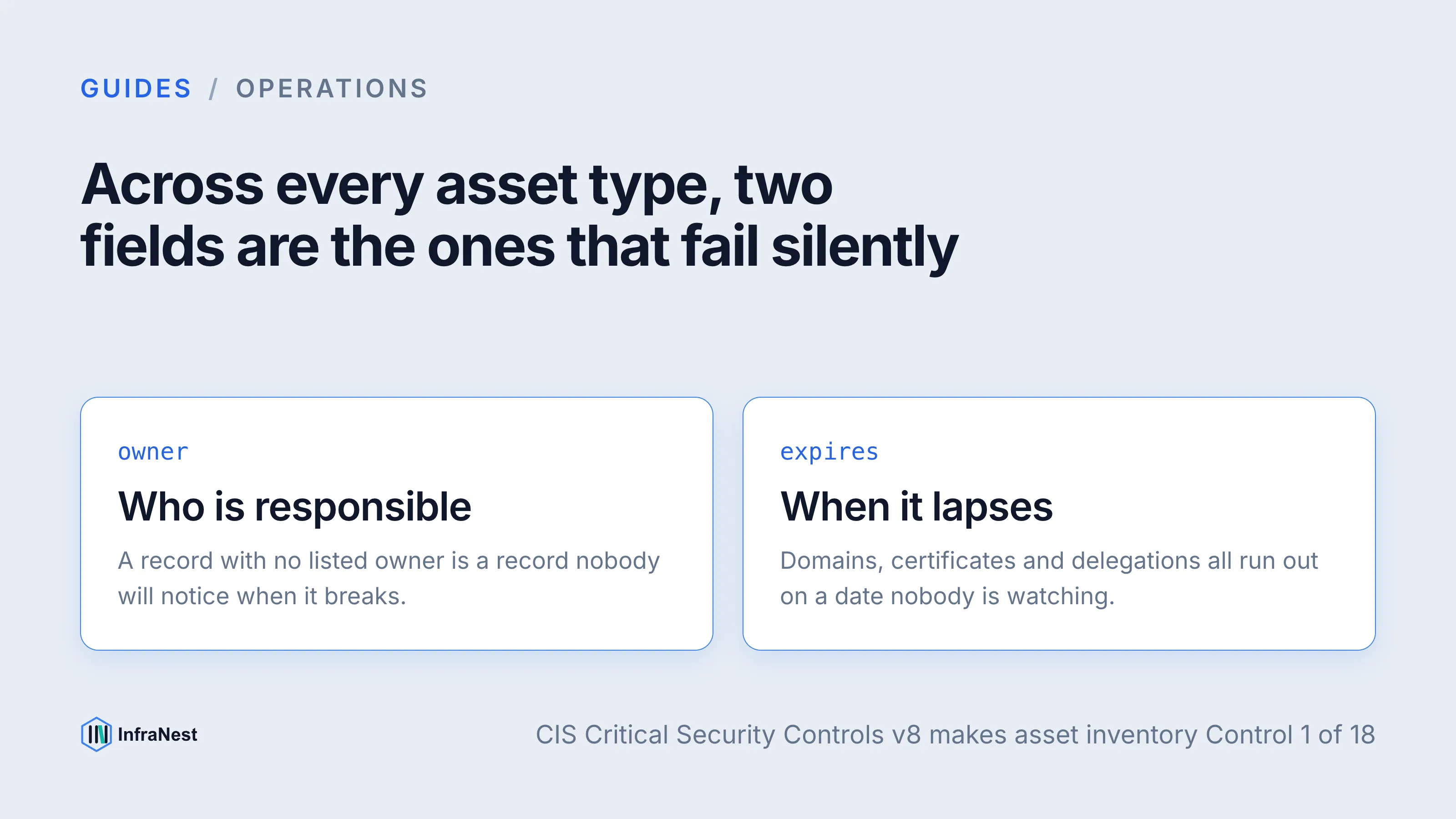
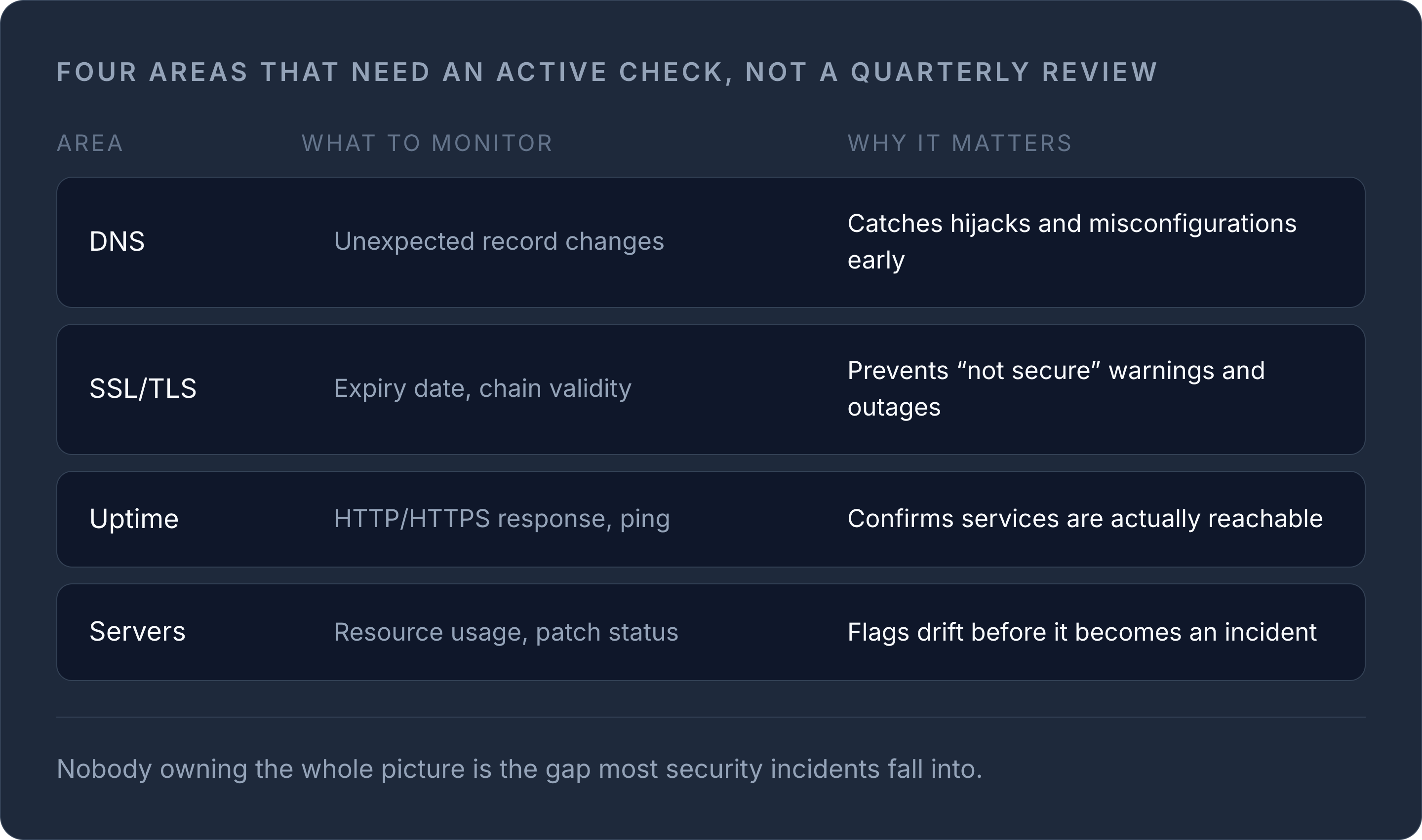
Security controls only work if you find out when they fail. Certificate expiry, DNS record changes, and downtime all need active monitoring — not a quarterly manual check.
| Area | What to monitor | Why it matters |
|---|---|---|
| DNS | Unexpected record changes | Catches hijacks and misconfigurations early |
| SSL/TLS | Expiry date, chain validity | Prevents "not secure" warnings and outages |
| Uptime | HTTP/HTTPS response, ping | Confirms services are actually reachable |
| Servers | Resource usage, patch status | Flags drift before it becomes an incident |
Our guide to website monitoring covers how uptime, performance, and SSL checks fit together, and the free is it down tool is a quick way to verify an outage before you page anyone.
Bringing it together
None of these controls work in isolation — a signed DNS zone with an expired certificate is still a broken site, and a hardened server behind an unmonitored domain is still one hijack away from disaster. Managing DNS, certificates, servers, and monitoring from a single view is exactly the gap most security incidents fall into, because nobody owns the whole picture.
See how InfraNest's infrastructure management features bring DNS, SSL, servers, and monitoring into one dashboard so nothing on this checklist slips through the cracks.
Frequently asked questions
#What's the single highest-impact security control for 2026?
Enforcing MFA on every privileged account and automating certificate renewal together eliminate the two most common causes of preventable incidents: credential compromise and expired certificates.
#Do I need DNSSEC if I already use HTTPS everywhere?
Yes — HTTPS protects data between browser and server, but DNSSEC protects the DNS lookup itself from spoofing and cache poisoning, which happens before HTTPS is even negotiated.
#Is post-quantum cryptography something I need to act on now?
Not urgently. NIST finalised PQC standards (FIPS 203/204/205) in 2024, but most CAs and browsers haven't required PQC certificates yet — track the space, but prioritise TLS 1.3 and certificate automation first.
#How often should this security checklist be reviewed?
Review it at least annually, since defaults for cloud providers, browser TLS support, and CA requirements change year to year — this guide itself is dated 2026 for that reason.
War dieser Artikel hilfreich?