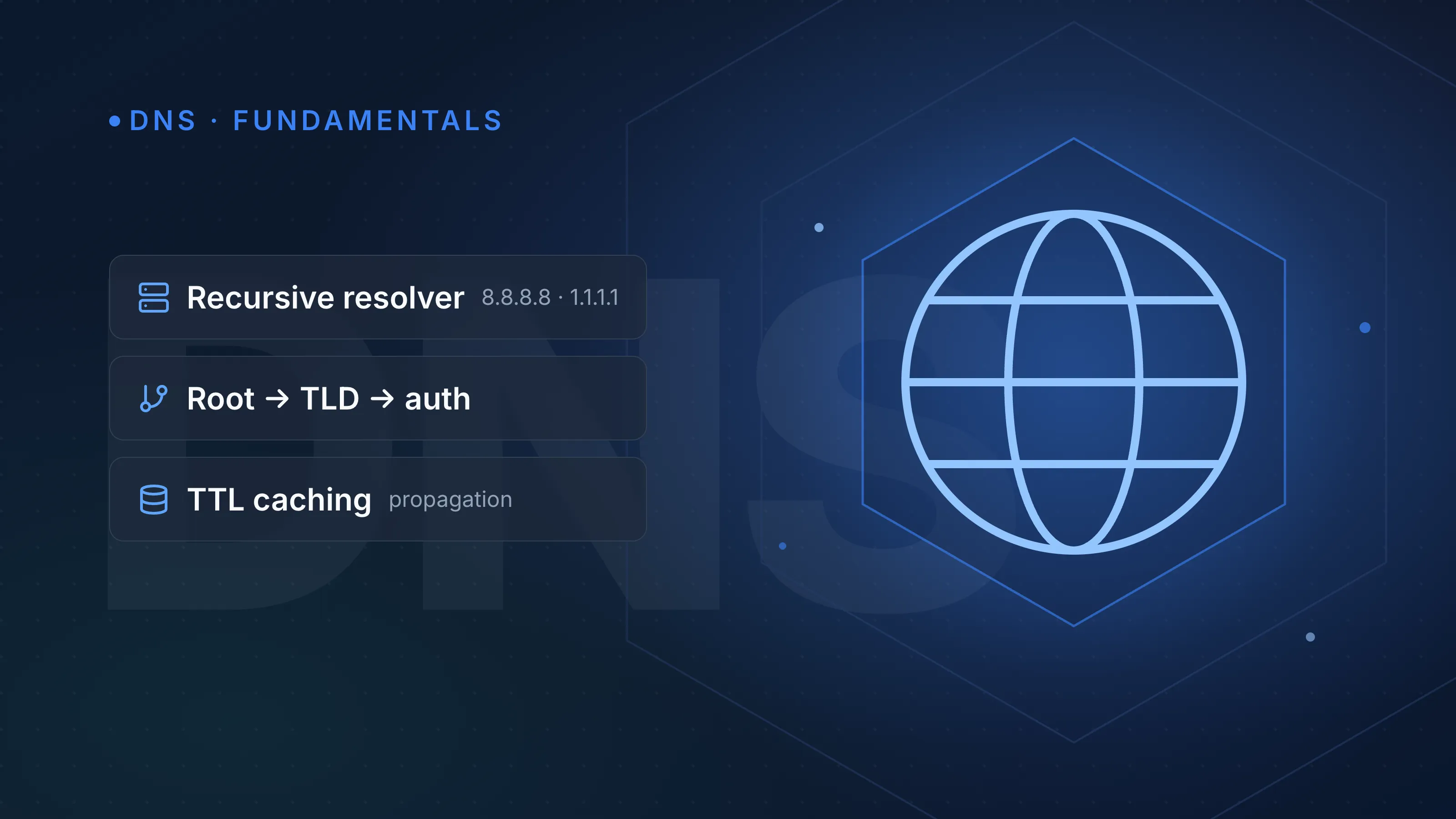
DNS resolution is the process of turning a domain name like example.com into an IP address a computer can connect to. It works by walking a chain of servers — your recursive resolver, the root, the TLD, and finally the authoritative nameserver for the domain — until one of them returns the actual record. Understanding that chain is the fastest way to diagnose why a site "isn't resolving" or is resolving to the wrong thing.
Recursive resolver vs authoritative nameserver
These two roles get confused constantly, but the distinction matters for troubleshooting.
- Recursive resolver — the server your device actually talks to (your ISP's resolver, or a public one like Google's
8.8.8.8or Cloudflare's1.1.1.1). It does the legwork of finding the answer on your behalf and caches the result. - Authoritative nameserver — the server that holds the actual DNS records for a zone (e.g. your domain's A, MX, and TXT records). It's the source of truth; it never asks anyone else.
Your laptop or phone runs a lightweight stub resolver that doesn't do any of this walking itself — it just forwards the question to a recursive resolver and waits for an answer.
The root → TLD → authoritative walk
When a recursive resolver has nothing cached for a name, it performs an iterative lookup, following referrals down the DNS hierarchy:
- Root servers. The resolver asks one of the 13 root server identifiers (
a.root-servers.netthroughm.root-servers.net, each anycast-routed across many physical locations). The root doesn't know whereexample.comlives, but it knows which servers handle.com, and returns that referral. - TLD servers. The resolver asks a
.comTLD server. It doesn't know the IP forexample.comeither, but it knows which nameservers are authoritative for that domain, and refers the resolver there. - Authoritative servers. The resolver asks the authoritative nameserver for
example.comdirectly. This server holds the actual record and returns it — no more guessing.
The recursive resolver then hands that answer back to your device and caches it for next time, governed by the record's TTL (time to live).
Note"Iterative" (server-to-server, each pointing to the next) and "recursive" (client asks one server to do all the work) describe the same overall process from two different vantage points — your resolver does recursive work on your behalf by making a series of iterative queries.
Why caching and TTL matter
Each DNS record carries a TTL, a value in seconds telling resolvers how long they may cache it before asking again. A low TTL (e.g. 300 seconds) means changes propagate fast but you generate more lookup traffic; a high TTL (e.g. 86400 seconds / 24 hours) reduces load but means a stale record can linger in caches for a full day after you change it.
This is also why a botched migration seems to "partially" work — some resolvers still hold the old cached answer while others have already picked up the new one. If you're mid-migration or debugging propagation, query different resolvers directly and compare answers rather than trusting your browser's cache.
| Record change scenario | Recommended TTL before the change |
|---|---|
| Planned server migration | Lower to 300s a day ahead, then raise back after confirming |
| Stable production record | 3600–86400s is typical and reduces query volume |
| Failover / dynamic IP updates | Keep low (60–300s) so clients pick up changes quickly |
Even "no record exists" answers get cached — this is negative caching, and it's driven by the TTL in the zone's SOA record, so an NXDOMAIN can also persist for a while.
What a DNS query actually contains
DNS messages have a fixed structure: a header plus Question, Answer, Authority, and Additional sections. Standard queries run over UDP port 53, originally capped at 512 bytes; modern resolvers use EDNS0 to advertise larger buffer sizes and avoid unnecessary fallbacks. When a response is too large, or for operations like zone transfers, DNS falls back to TCP port 53.
A typical dig output for a resolved A record looks like this:
;; ANSWER SECTION:
example.com.		300	IN	A	93.184.216.34
That 300 is the TTL in seconds, IN is the class (internet), and A is the record type. You can run the same lookup yourself, from any browser, with the DNS lookup tool — useful for checking exactly what an authoritative server is currently serving, independent of your local cache.
Encrypted DNS: DoH and DoT
Standard DNS queries are sent in plaintext, which lets networks (and anyone on the path) see which domains you're resolving. Two newer transports address this:
- DNS over TLS (DoT) — DNS wrapped in TLS on TCP port 853.
- DNS over HTTPS (DoH) — DNS tunnelled inside an HTTPS connection, typically on port 443, making it harder to distinguish from regular web traffic.
Both protect the query in transit between your device and the resolver, but they don't change the underlying root→TLD→authoritative walk described above — encryption happens at the transport layer, not the resolution logic.
DNSSEC: authenticity without encryption
DNS Security Extensions (DNSSEC) add cryptographic signatures (RRSIG, DNSKEY, DS records) so a resolver can verify that an answer genuinely came from the zone's authoritative source and wasn't tampered with in transit. It's worth stressing that DNSSEC provides authenticity, not confidentiality — anyone can still see the query; DNSSEC just stops them from forging a fake answer.
Common resolution failures and what causes them
| Symptom | Likely cause |
|---|---|
| Works on your phone, not your laptop | Different resolvers with different cached TTLs |
| Works after a VPN change | Local ISP resolver has a stale cached record |
| NXDOMAIN despite record existing | Negative cache from an SOA-driven TTL, or a typo in the delegation |
| Intermittent resolution | Misconfigured or partially propagated NS delegation between registrar and DNS host |
| Works for some record types, not others | Record actually missing at the authoritative level — check directly, not through a cache |
When you manage DNS across multiple registrars and providers, these symptoms multiply — a delegation that's correct at one registrar but stale at another is a classic source of "it works for me" support tickets.
If you're consolidating DNS management for multiple domains so you're not chasing propagation issues across a dozen dashboards, InfraNest's DNS feature gives you one place to manage zones, TTLs and records across every provider.
Try it yourself
Run a live lookup against authoritative servers with the DNS lookup tool to see exactly what's being served right now, bypassing whatever your local resolver has cached.
Frequently asked questions
- What's the difference between recursive and iterative DNS queries?
- A recursive query asks one server (your resolver) to fully resolve the name and return a final answer; an iterative query is what that resolver then does behind the scenes, following referrals from root to TLD to authoritative servers.
- Why does a DNS change take time to show up everywhere?
- Because resolvers around the world cache answers for the length of the record's TTL, and each one only refreshes once its own cached copy expires, so propagation isn't instant or uniform.
- Does DNSSEC encrypt my DNS queries?
- No — DNSSEC only proves that an answer is authentic and unmodified; it doesn't hide the query itself. For that you need an encrypted transport like DNS over TLS or DNS over HTTPS.
- Why do public resolvers like 8.8.8.8 or 1.1.1.1 sometimes give different answers than my ISP's DNS?
- Each resolver maintains its own independent cache with its own expiry times, so if a record recently changed, one resolver may still be serving the old cached value while another has already refreshed it.