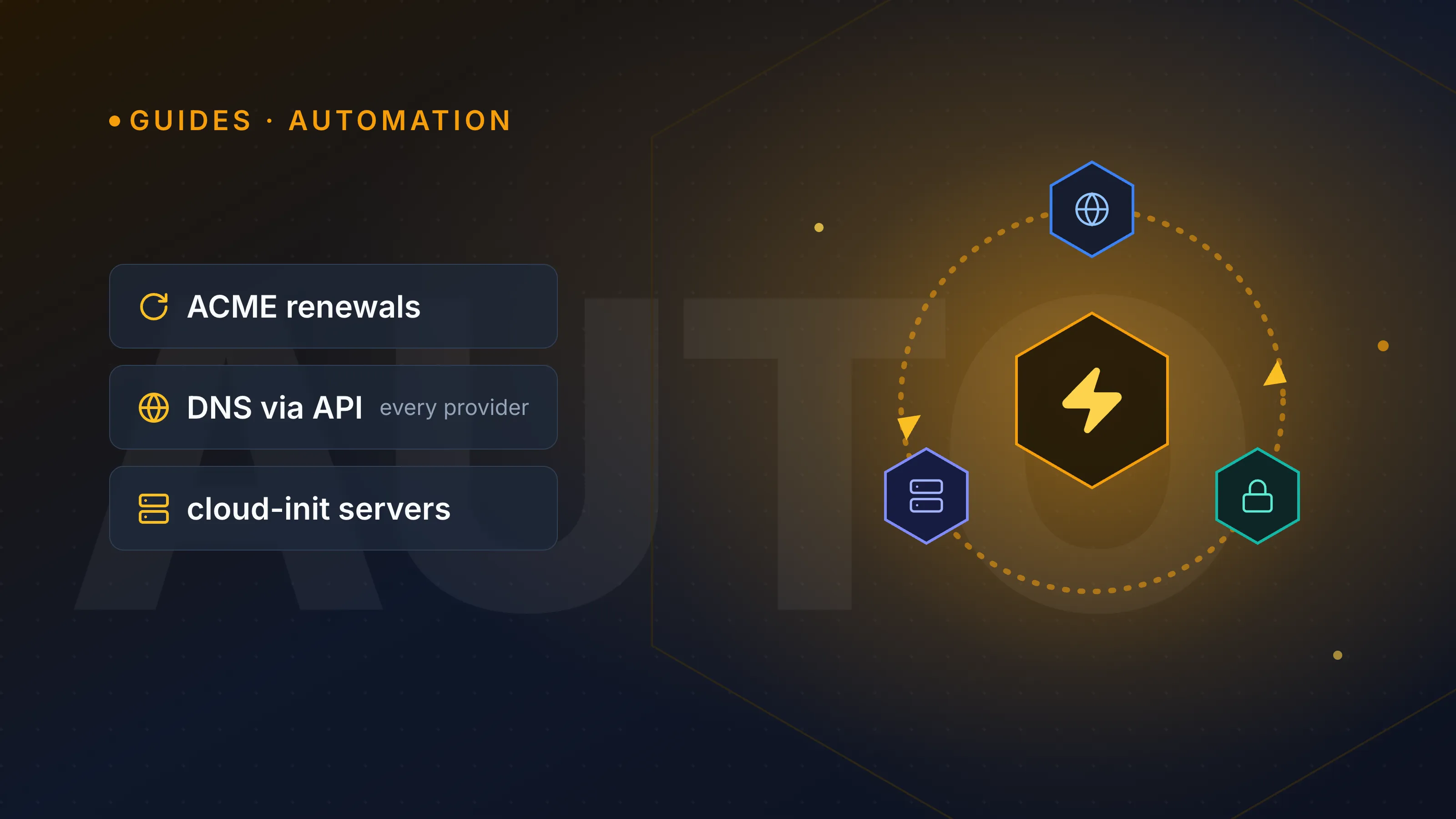
Infrastructure automation means letting scripts, standards-based protocols, or a management platform handle repetitive DNS, SSL and server work instead of clicking through five different provider dashboards. The biggest wins come from automating certificate renewal (ACME), DNS record changes (provider APIs or a common abstraction layer), and server bootstrapping (cloud-init) — while a drift-detection layer catches the changes automation missed. If you run infrastructure across more than one registrar, DNS host, or cloud, this is the difference between a five-minute incident and a Saturday spent hunting for a login.
What counts as infrastructure automation
At a basic level, infra automation is any process that changes DNS, certificates, or server state without a human manually logging into a control panel. That includes:
- Record changes — adding, updating or removing A, CNAME, MX, TXT or CAA records via API instead of a web form.
- Certificate renewals — issuing and installing TLS certificates automatically before they expire, rather than waiting for an expiry alert.
- Server actions — provisioning, rebooting, resizing or bootstrapping a VM the same way regardless of which cloud it lives on.
- Drift alerts — getting notified when the live state (a record, a cert, a running service) no longer matches what you expect.
None of this requires exotic tooling. Most of it is built on open standards that every serious provider already supports — which is exactly why a single dashboard can sit on top of many providers without reinventing each one's API from scratch.
Automating DNS changes across providers
Every major DNS host — Cloudflare, Route 53, Google Cloud DNS, DigitalOcean, Namecheap, GoDaddy — exposes a REST API for record CRUD (create, read, update, delete). The problem isn't the existence of APIs; it's that each one has its own auth model, schema and rate limits. That's why most automation setups use a common abstraction layer (Terraform's DNS providers, OctoDNS, or a management platform) instead of hand-rolling a client for every registrar you touch.
A record change that's identical in intent looks different everywhere:
| Task | Cloudflare API concept | Route 53 concept | Abstraction layer |
|---|---|---|---|
| Add A record | POST /zones/:id/dns_records |
ChangeResourceRecordSets |
one declarative resource block |
| Auth | API token | IAM role/key | provider credential, stored once |
| Propagation check | manual/API poll | manual/API poll | built-in lookup |
If you're not ready to script this yourself, run a quick sanity check with our free DNS lookup tool before and after any change — it's the fastest way to confirm a record actually propagated the way your automation intended. For the record types themselves, our DNS record types guide is a good reference while you're scripting changes.
TipWhatever abstraction you use, keep TTLs low (300–600 seconds) on records you expect to automate. A 24-hour TTL turns a scripted rollback into an hours-long wait.
Automating SSL certificate issuance and renewal
The ACME protocol (RFC 8555) is what made certificate automation the default rather than the exception. Let's Encrypt popularised it, but ZeroSSL, Google Trust Services and Buypass Go SSL all implement the same standard — which means the same client tooling (Certbot, acme.sh, lego) works across all of them just by pointing at a different directory URL.
There are two ACME challenge types worth knowing:
- HTTP-01 — serves a token at
http://yourdomain/.well-known/acme-challenge/. Simple, but can't issue wildcard certificates. - DNS-01 — requires a
_acme-challengeTXT record. This is the only method that supports wildcard certs (*.yourdomain.com), and it's the reason DNS-01 has become the standard for automated multi-domain, multi-provider setups.
Because Let's Encrypt certificates are valid for 90 days, automation isn't optional — it's the whole point. A missed manual renewal is one of the most common causes of unplanned downtime. If you're deciding whether a free automated cert is enough for your use case, our post on Let's Encrypt vs commercial SSL certificates covers when the paid route still makes sense. Either way, a periodic check with our free SSL check tool confirms the chain, expiry date and hostname match are actually correct — automation reduces risk, it doesn't eliminate the need to verify.
Automating server tasks across clouds
Server-side automation has its own de facto standard: cloud-init. It handles first-boot tasks — installing packages, creating users, dropping in SSH keys, running startup scripts — and it's supported natively by AWS, Azure, GCP, DigitalOcean, Hetzner and most other IaaS providers. Writing one cloud-init config and reusing it across providers is far more reliable than maintaining separate bootstrap scripts per cloud.
For ongoing configuration (not just first boot), Ansible is the common choice because it manages servers over SSH without requiring an agent, and its modules cover most cloud provider APIs for actions like resizing, snapshotting or rebooting.
Example cloud-init snippet that works the same on any provider that supports it:
#cloud-config
package_update: true
packages:
  - nginx
users:
  - name: deploy
    ssh-authorized-keys:
      - ssh-rsa AAAA...your-key-here
runcmd:
  - systemctl enable nginx
  - systemctl start nginx
Catching what automation misses: drift and downtime
Automation reduces manual work, but it doesn't remove the need to know when something has actually gone wrong — a renewal job silently failing, a record someone edited by hand outside your scripts, or a server that stopped responding. This is where monitoring closes the loop: it tells you the difference between "the automation ran" and "the outcome is correct."
WarningA renewal script that reports success doesn't guarantee the new certificate is actually serving. Always pair automated issuance with an independent check — a monitor, not just a cron job's exit code.
A quick manual check with our free is it down tool is a fine spot check, but for anything running unattended you want continuous monitoring with alerts, not a tool you remember to open.
Why manage it all from one place
Each piece above — DNS, certificates, servers, monitoring — has its own standard and its own tooling ecosystem. The practical challenge isn't any single piece; it's that most teams end up with DNS in one dashboard, certs tracked in a spreadsheet, servers spread across two or three clouds, and monitoring bolted on separately. InfraNest exists to put those views in one place: manage DNS records across every provider you use, track certificates and their expiry dates in one list, and run uptime monitoring against everything you've provisioned — without switching logins for every provider along the way.
If you're actively consolidating tooling, it's worth reading what's changed recently in our July 2026 update roundup.
Start by mapping out where your DNS, certificates and servers currently live — then see how much of that InfraNest's dashboard can already show you in one view.
Frequently asked questions
- Do I need to automate DNS changes if I rarely update records?
- If changes are truly rare, manual updates are fine — automation pays off most when you manage many domains, rotate records frequently, or need changes to happen reliably during incident response.
- Can I use ACME automation for wildcard certificates?
- Yes, but only with the DNS-01 challenge type, which requires your automation to create a `_acme-challenge` TXT record; the HTTP-01 challenge does not support wildcard certificates.
- Is cloud-init the same as a full configuration management tool like Ansible?
- No — cloud-init handles first-boot setup (packages, users, keys) in a way most cloud providers support natively, while tools like Ansible handle ongoing configuration and changes after the server is already running.
- What's the risk of automating certificate renewal without monitoring?
- A renewal job can fail silently or issue a certificate that never gets deployed correctly, so pairing automation with an independent uptime or SSL check is the only way to confirm the outcome, not just that the script ran.